 Fellow Canadians: All inFlow plans are available in Canadian dollars




 Home
Home


How to set measurements in inFlow
In inFlow, you can effectively track product measurements and weights, ensuring accurate measurement display when printing labels.
Adding dimensions and weight to inFlow settings
- Click Save when done.
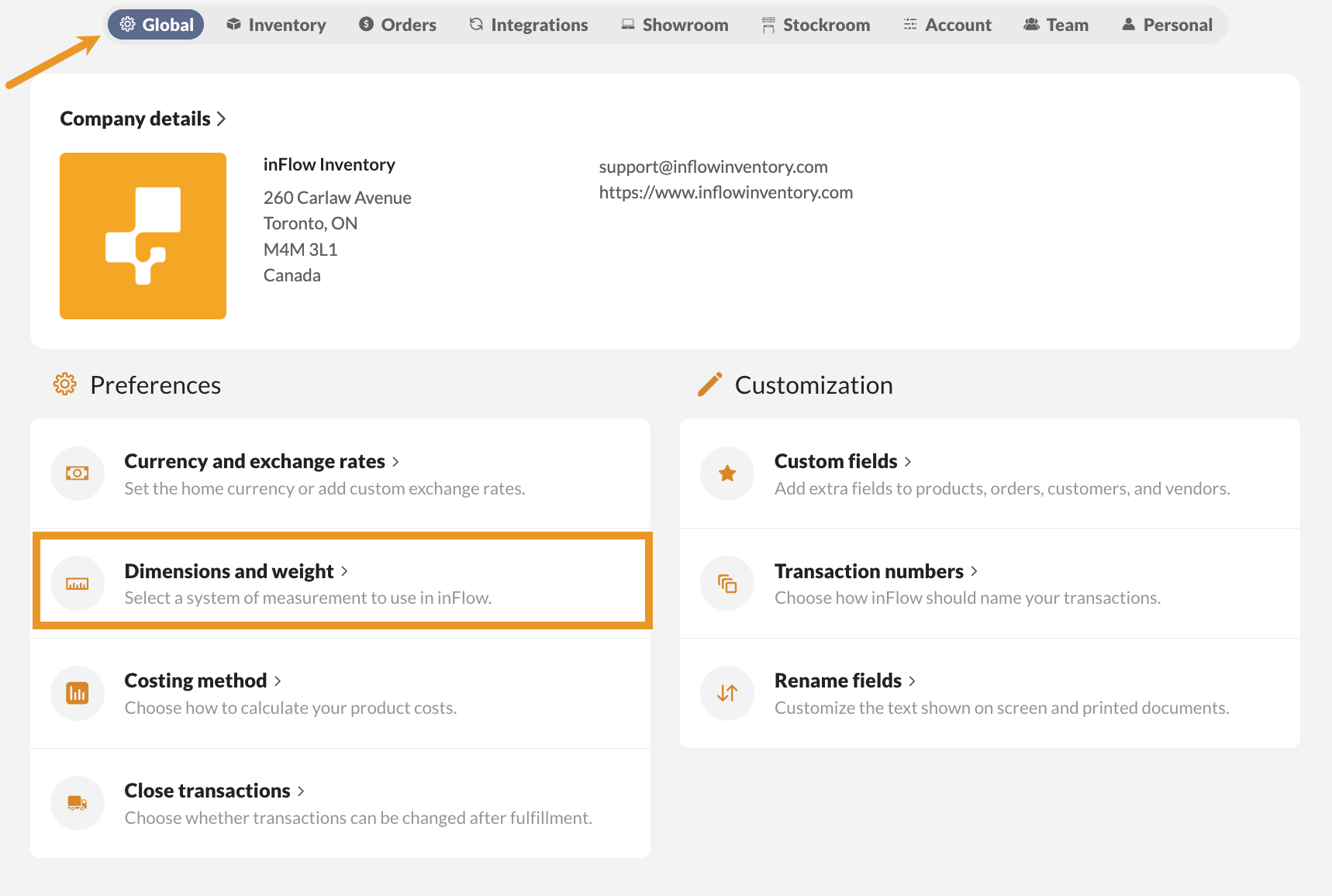
- Go to inFlow’s Global settings (Main Menu>Settings> Global).
- Click on Dimensions and weight.
- Select the measurement options from the drop-down menus.
Adding measurements to products
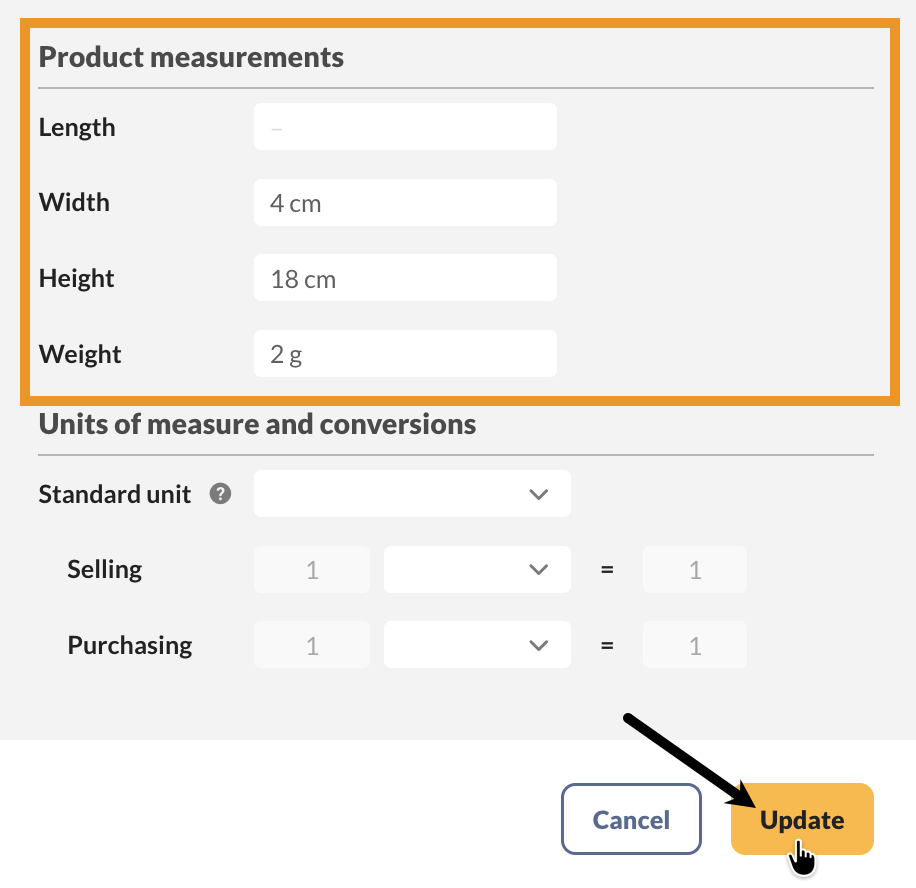
- Open a product record, and click on Add measurements.
- Fill out the Product measurements fields.
- Click Update. Then save the product record when done.
 Yes, thanks!
  Not really

0 Comments