 Fellow Canadians: All inFlow plans are available in Canadian dollars



Manufacturing software that’s really easy to use
Assemble new products while tracking all your costs with inFlow Inventory.
No credit card required.
Take back your time from spreadsheets
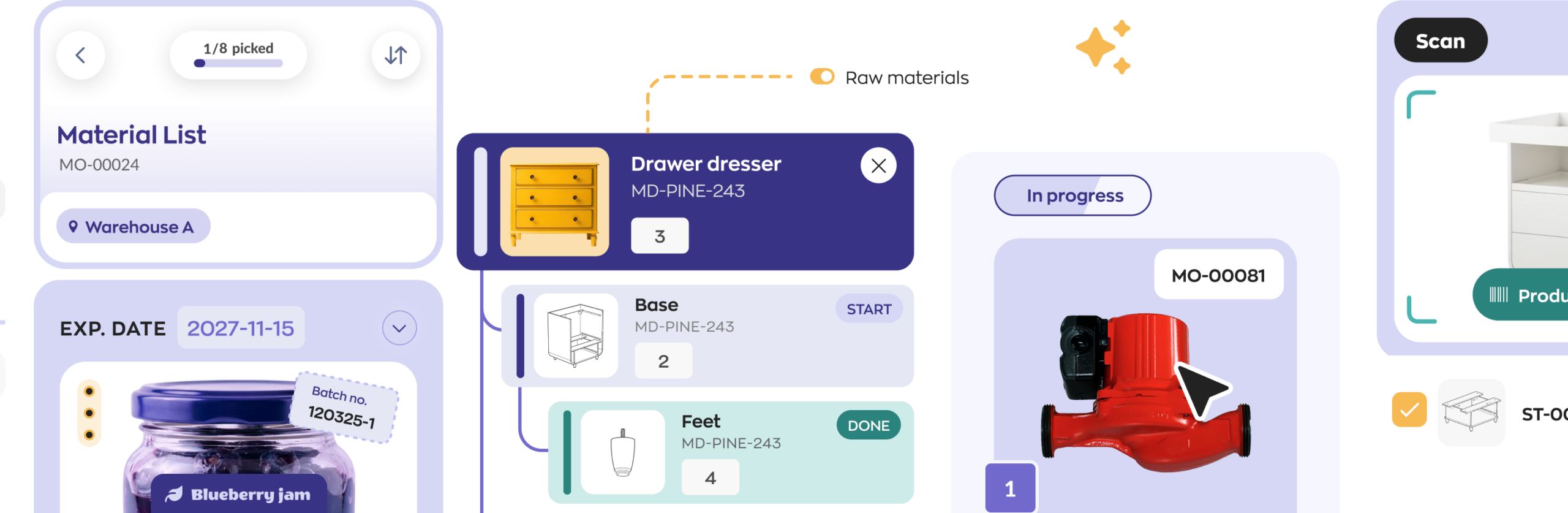
inFlow is faster and easier for your team to use than spreadsheets. This frees up more time to build products and fulfill orders.
Manufacture only what’s been ordered
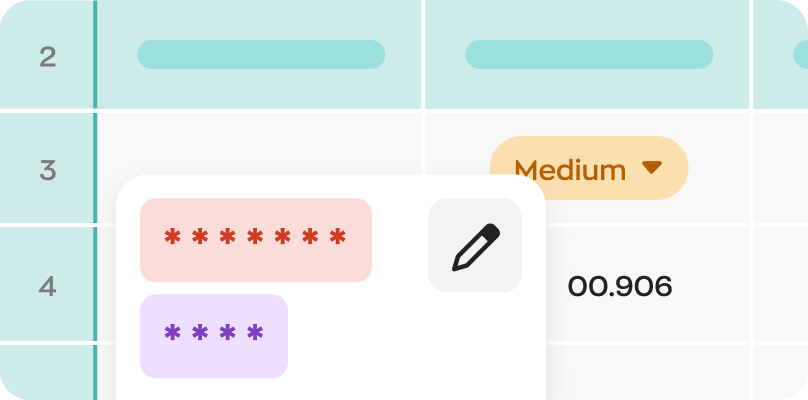
Decide what to make based on current stock and current sales. You’ll always have what you need just in time.
Track every part of the manufacturing process
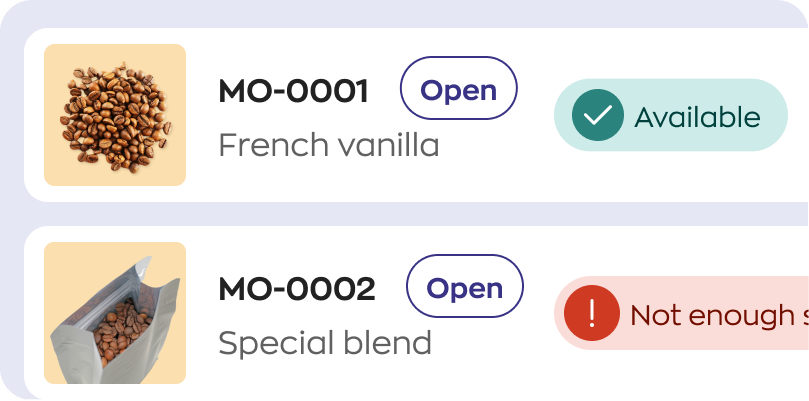
Manufacturing software records your timesheets and raw material usage, as well as any batch numbers or serial numbers.
The full manufacturing pipeline
Manufacturing software that gets the details right
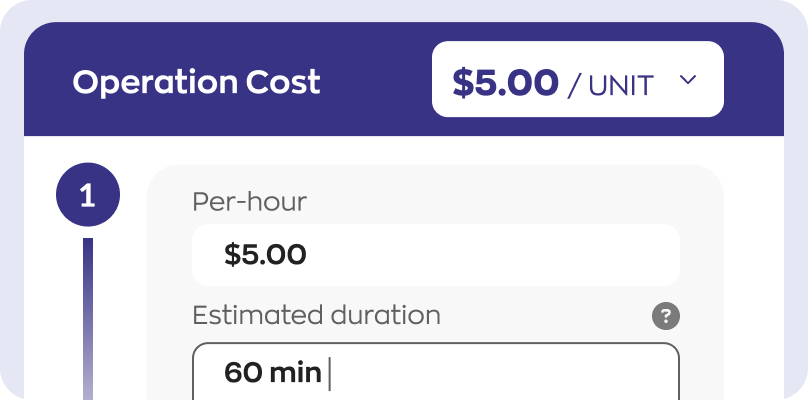
inFlow shows you what you need to build and whether you’ve got what you need in stock. If you deal with food or pharmaceuticals you can track lot numbers or expiry dates as products roll off the line.
Add inFlow’s mobile app to get more done
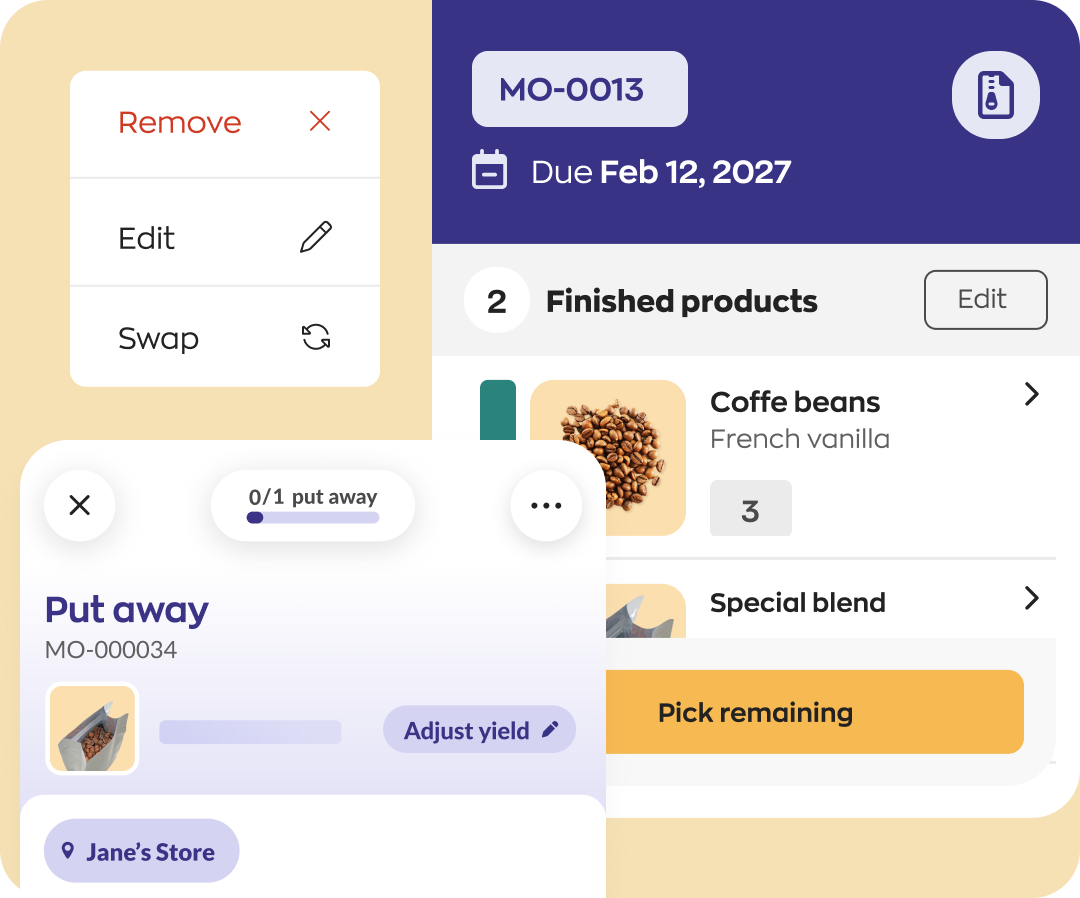
Check pick lists right from the shop floor with an iPhone or Android phone. Your team can update timesheets as they start tasks like painting or welding, so you’ll always have accurate labor costs.
Restock how you want
inFlow helps you think about reordering in advance. Set minimum stock levels, choose how to reorder, and specify which vendor to buy parts from.
Track COGS on every order
With purchases, sales, and inventory in one place, your manufacturing software can calculate the cost of goods sold (COGS) for you.
inFlow also helps you sell what you make
Handle your whole sales process, from quoting all the way to fulfillment, from one system.
Set credit limits to protect your cash flow, or set up volume discounts for products you sell at wholesale.
Send invoices and update accounting
See a tailored list of unpaid orders, so you always know who to invoice, and send those emails right from inFlow.
Financials sync automatically to QuickBooks Online or Xero, so you can lessen the load during tax season.
How inFlow helps manufacturers
In this video we’ll break down how inFlow can help you control costs, improve consistency across your builds, and avoid overstocking or stockouts.
Track parts and labor costs
See what fits the bill
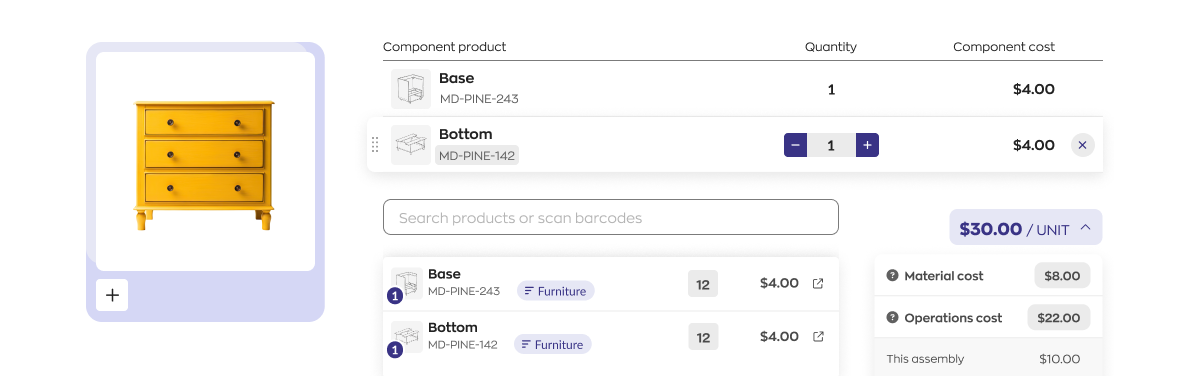
The bill of materials (BOM) shows you which components are part of a build, and whether any other assemblies share the same components.
Track progress automatically
Break assembly work into individual operations so you can track progress in real time. Update timesheets from any device to stay on top of work.
Optimize production with barcodes
Scan barcodes as you receive new components to save time. Or scan labels first, so you know you’re grabbing the right parts for an assembly.
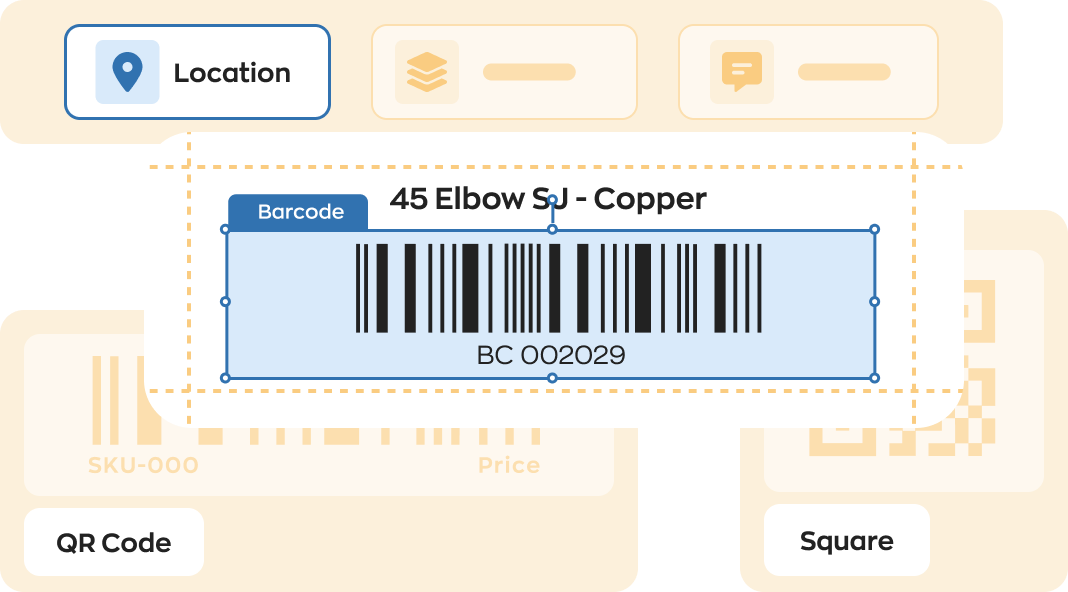
No barcodes yet? No problem — inFlow lets you design and print your own barcode labels, then scan them with hardware you already have.
GS1 barcodes, built right in
inFlow's built-in Label Designer makes it quick to create professional labels. You can also generate GS1 standard barcodes that capture your SKU, serial number, and expiry date in a single scan.
Flexible hardware support
Our Print Helper allows you to print to basically any label printer on the market (e.g., DYMO or Zebra). You can also use USB scanners or an iPhone or Android device to scan QR codes or barcodes.
Try inFlow for free
No credit card required.
Over 90 shipping, ecommerce, and accounting integrations
Pull the latest orders, sync stock levels, and more.
Get ship done
Compare prices from virtually any shipping carriers, including FedEx, USPS, and UPS, through integrations with ShipStation and EasyPost.
Connect to ecommerce
Pull in orders from over 40 ecommerce and EDI sources, including Shopify and WooCommerce. Sync stock levels across platforms, too.
Connect to QuickBooks Online or Xero
inFlow makes accounting easier, too. Push your sales, purchases, and inventory value to QuickBooks Online or Xero. So you can do your work just once in inFlow, without duplicating the effort in your accounting software.
Get more done from the shop floor
inFlow app for inventory and manufacturing
The inFlow mobile app was designed to help manufacturers:
- Check, transfer, or receive stock
- Create quotes and invoices
- Pick, pack, and ship orders
- Manage sales and purchases
- Update timesheets for each assembly step
Don’t break the bank on manufacturing software
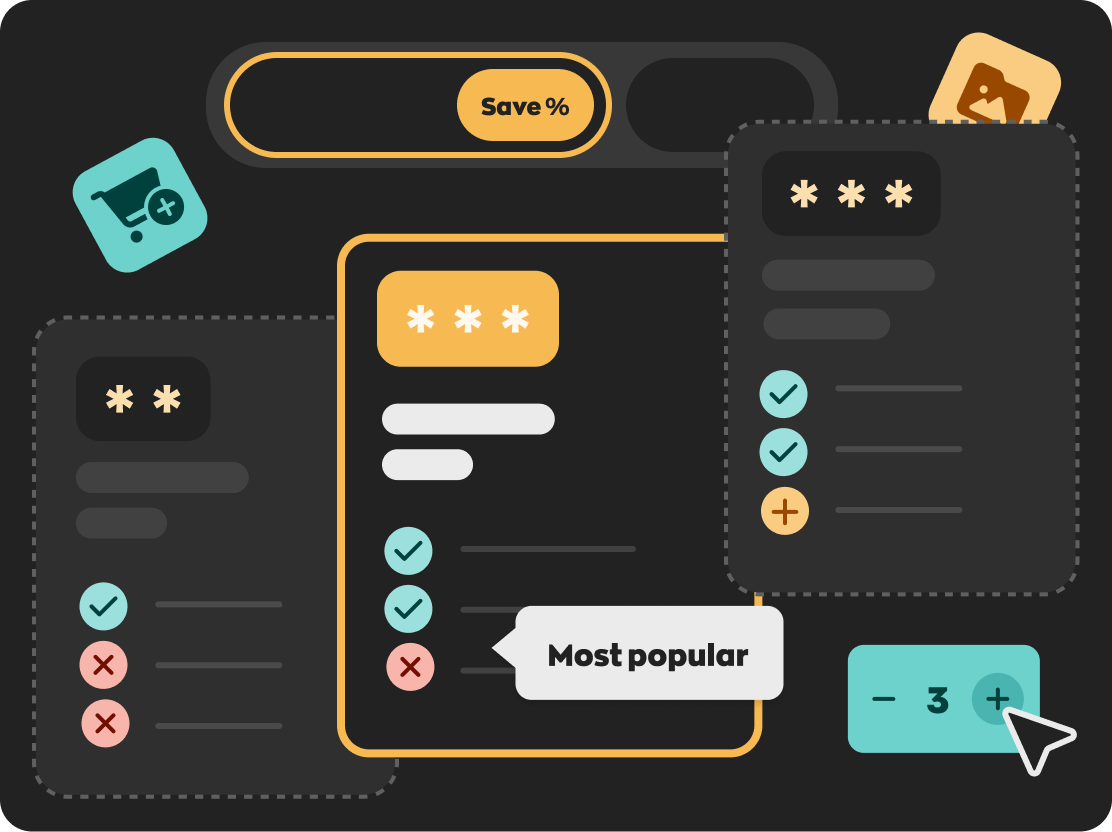
Whether you’re manufacturing new products or assembling kits, it’s easy to find an inFlow plan that’s right for you.
FAQ
Is there any training or onboarding for inFlow?
The base package provides check-in sessions with your in-house Customer Success Manager (CSM). Your CSM can show you the most helpful parts of inFlow for your needs and set realistic goals for a go-live date.
You can also purchase packages with more one-on-one training, or pay for data importing or training at an hourly rate.
Note: Onboarding and training is generally to help you get set up and learn inFlow, we have a separate technical support team to answer questions and help you with troubleshooting.
Does inFlow offer in-house technical support?
If you need to contact support you can use our on-site chat or email support@inflowinventory.com. Customers with expanded support can also schedule Zoom meetings for troubleshooting.
What is the inFlow Smartphone Scanner?
Although inFlow’s mobile app runs on most smartphones, you’ll get work done faster with the Smartphone Scanner. It’s a splash-proof, 5-foot-drop tested Android device with a built-in laser scanner.
You can use it for receiving and fulfilling, creating orders in the field, transferring stock, and more.
The Smartphone Scanner scans twice as fast as smartphones, has dedicated hardware buttons for scanning, and pairs with great accessories to improve ergonomics.