




inFlow Stockroom®
Inventory Scanner App
The best way to update inventory without slowing your team down.
No credit card required.
QUICK STEPS
Inventory management doesn’t have to be a pain
Our inventory scanner app helps you update stock in three quick steps.
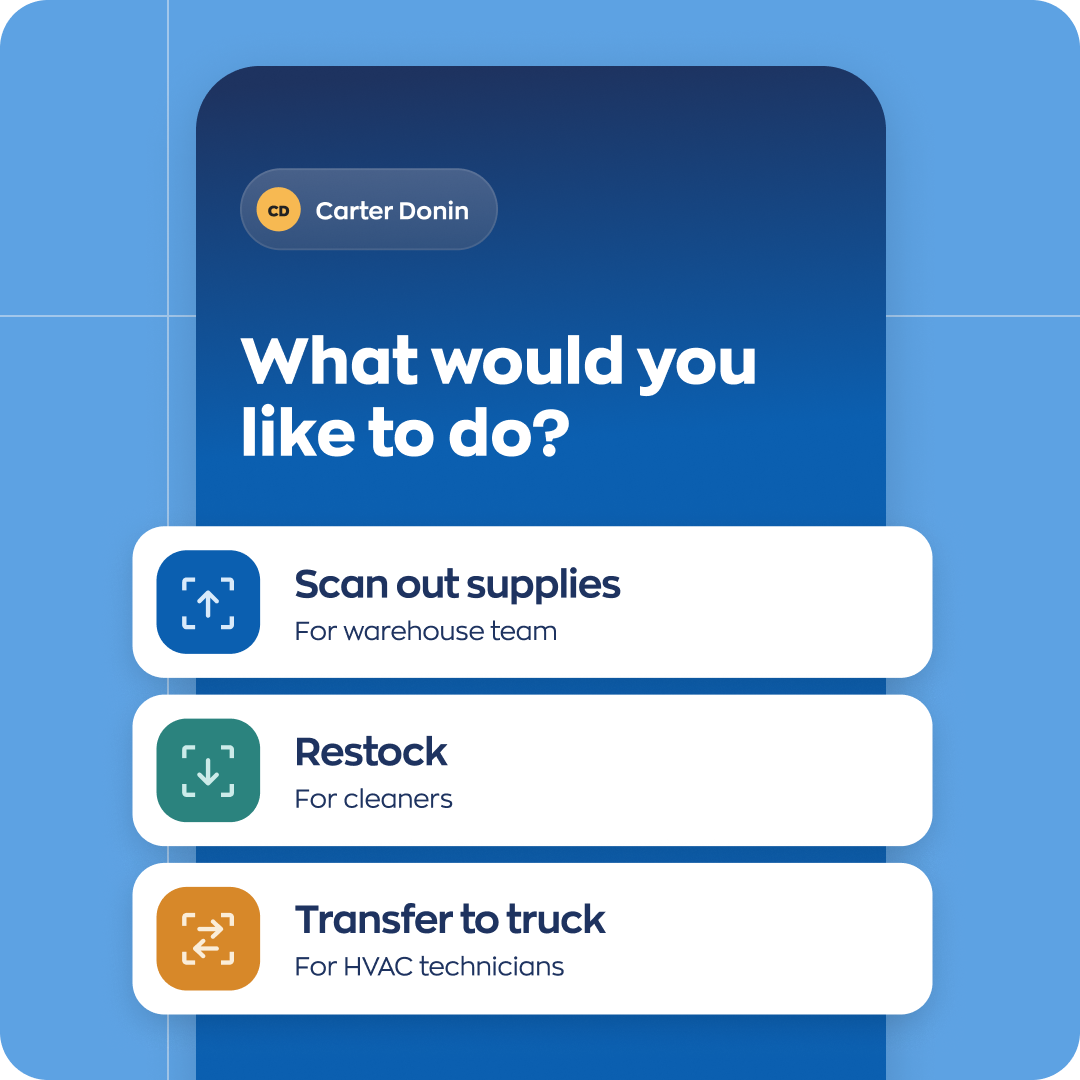
Choose a workflow
Select a workflow like Restock or Transfer to truck, depending on what you need to do.
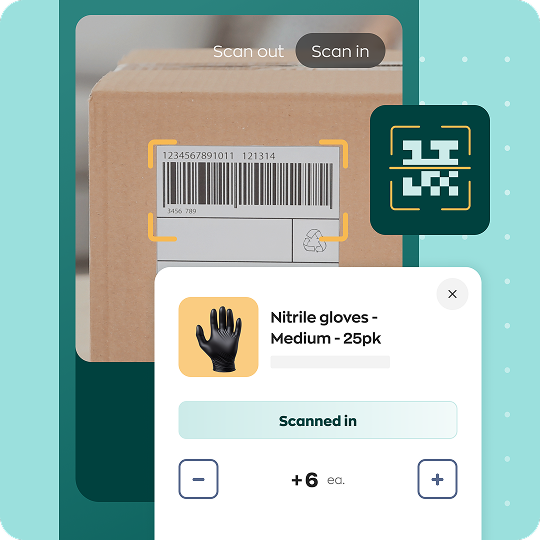
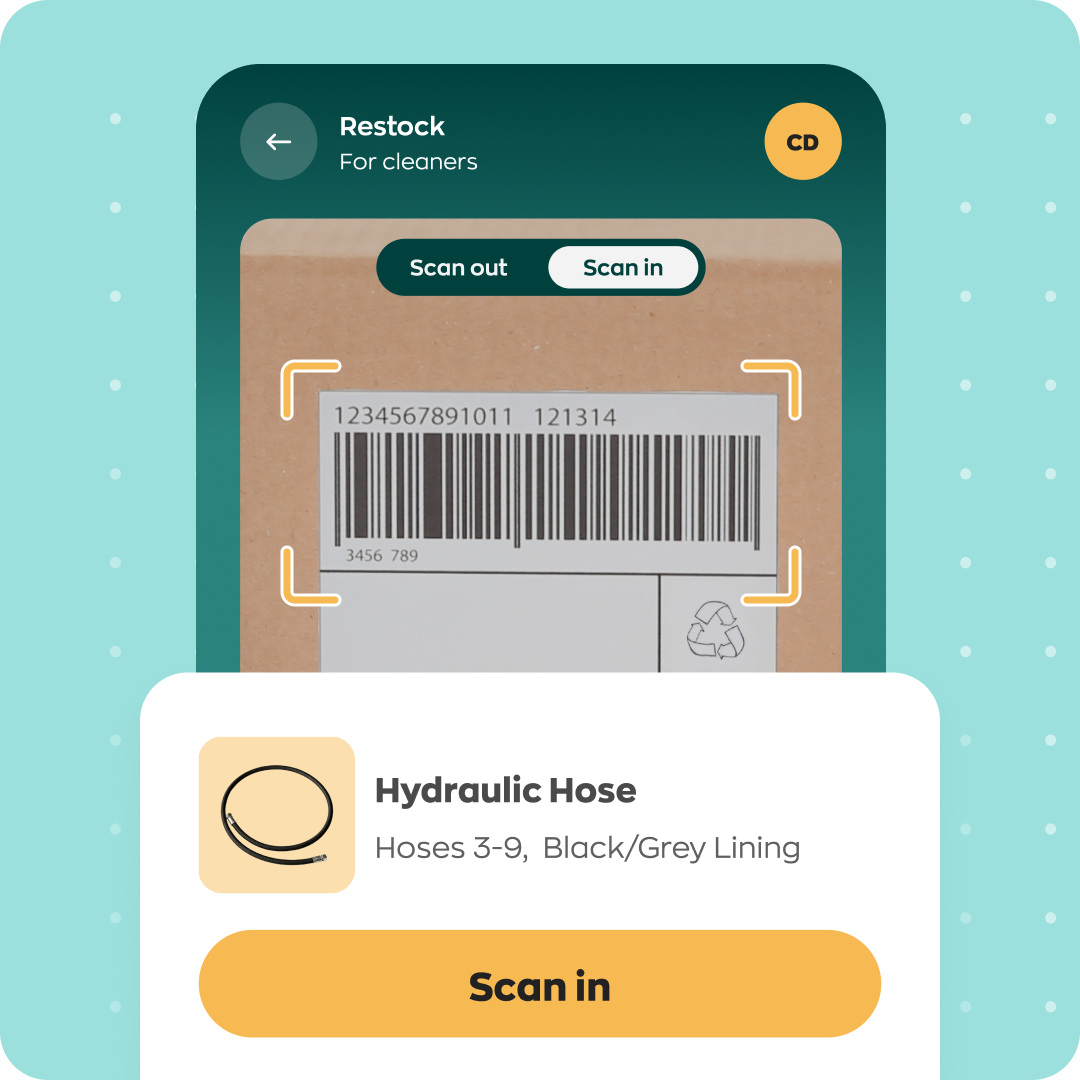
Scan your products
Scan the products that need to be adjusted or transferred.
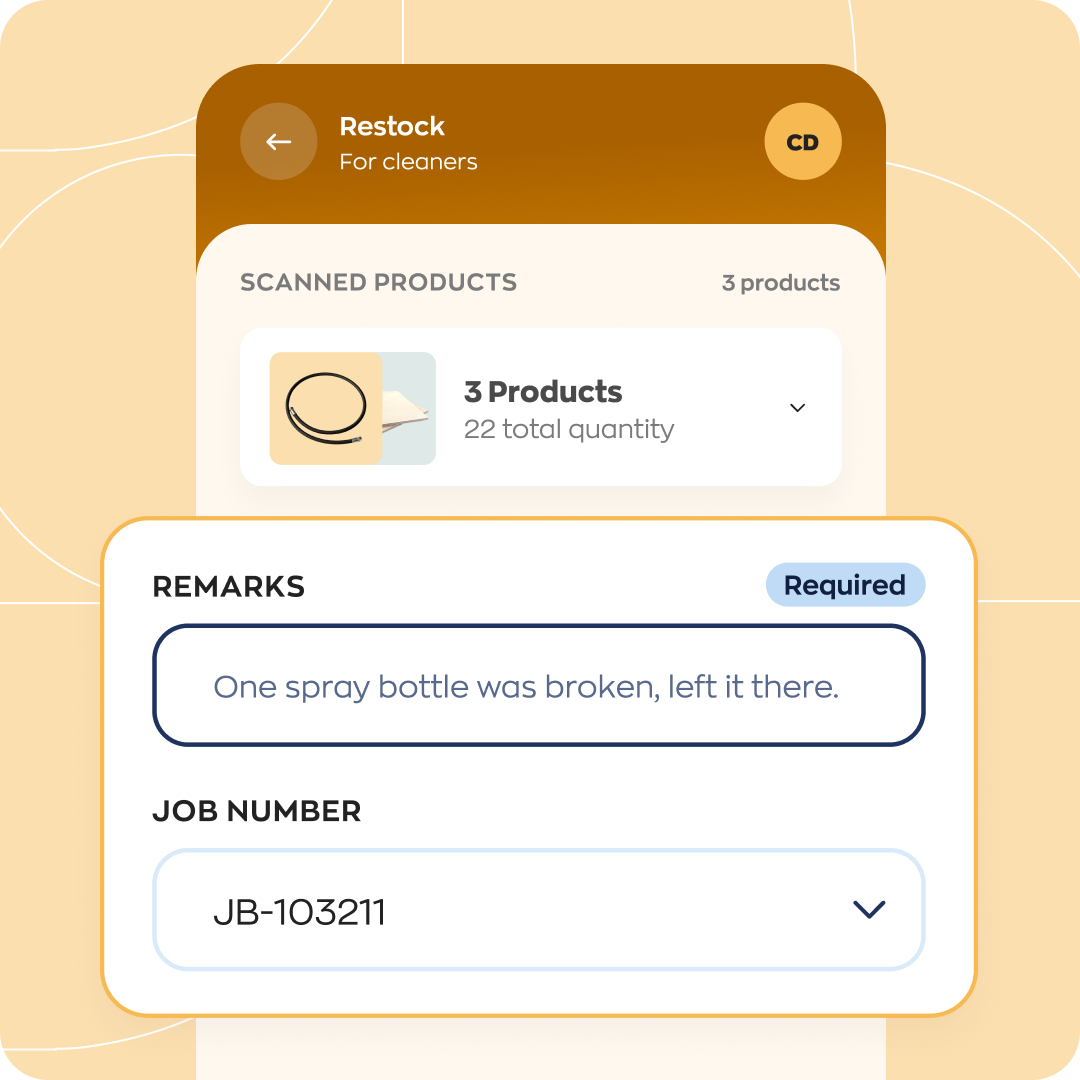
Add the details
Your team can add extra details, like a job number or site ID, and then get on with work.
inFlow Stockroom®
simplifies inventory work
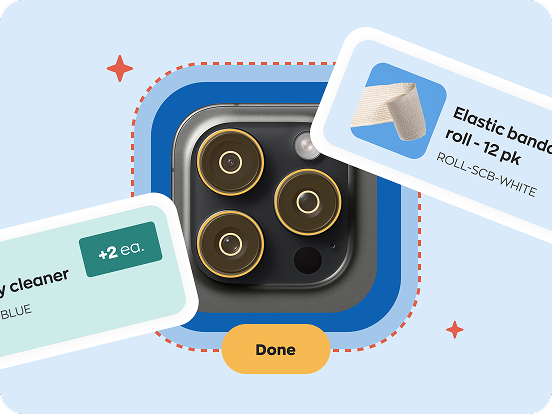
Put inventory information in Stockroom and your team can start scanning on the same day.
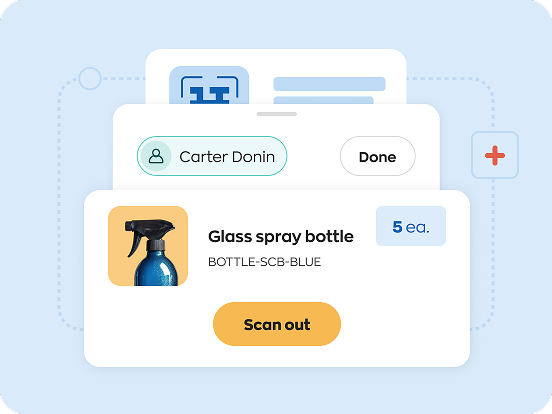
The Stockroom mobile app is so intuitive that anyone can use it within minutes.
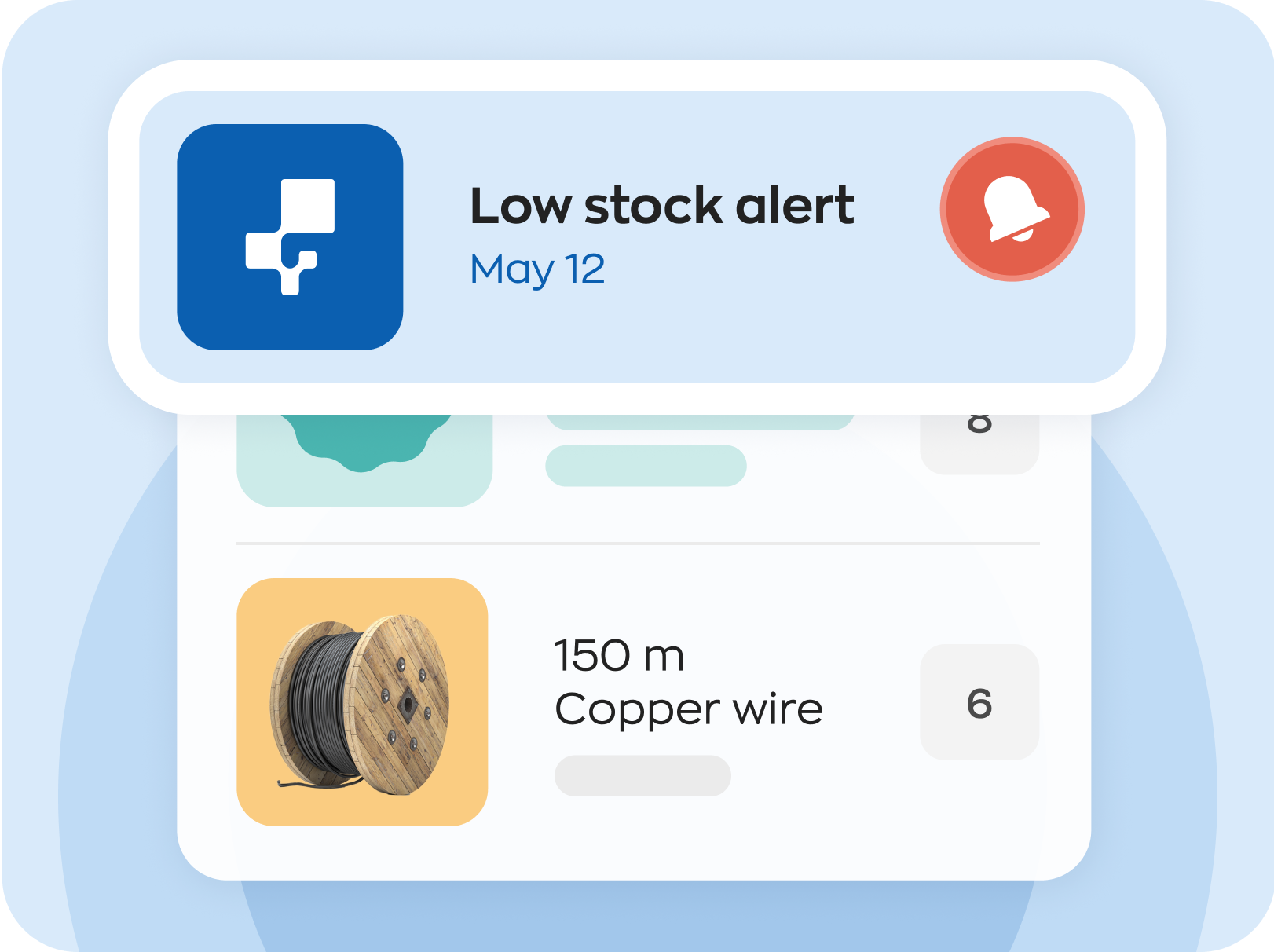
Low stock emails help you anticipate and avoid inventory stock-outs.
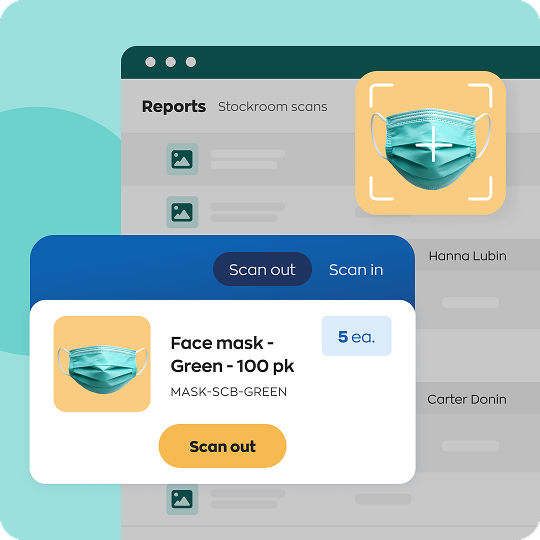
ADJUST STOCK
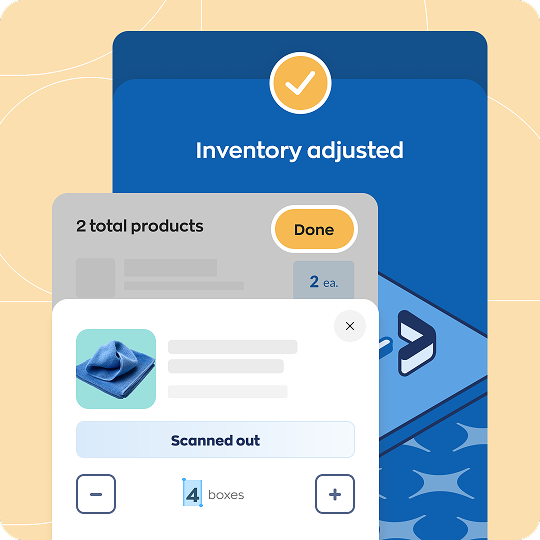
Update inventory levels with a few quick scans
inFlow Stockroom® lets your team grab what they need — like PPE or cleaning supplies — and get on with their day.
You can monitor stock levels in real time and get email alerts when stock runs low.
TRANSFER STOCK
Move inventory to jobsites or trucks
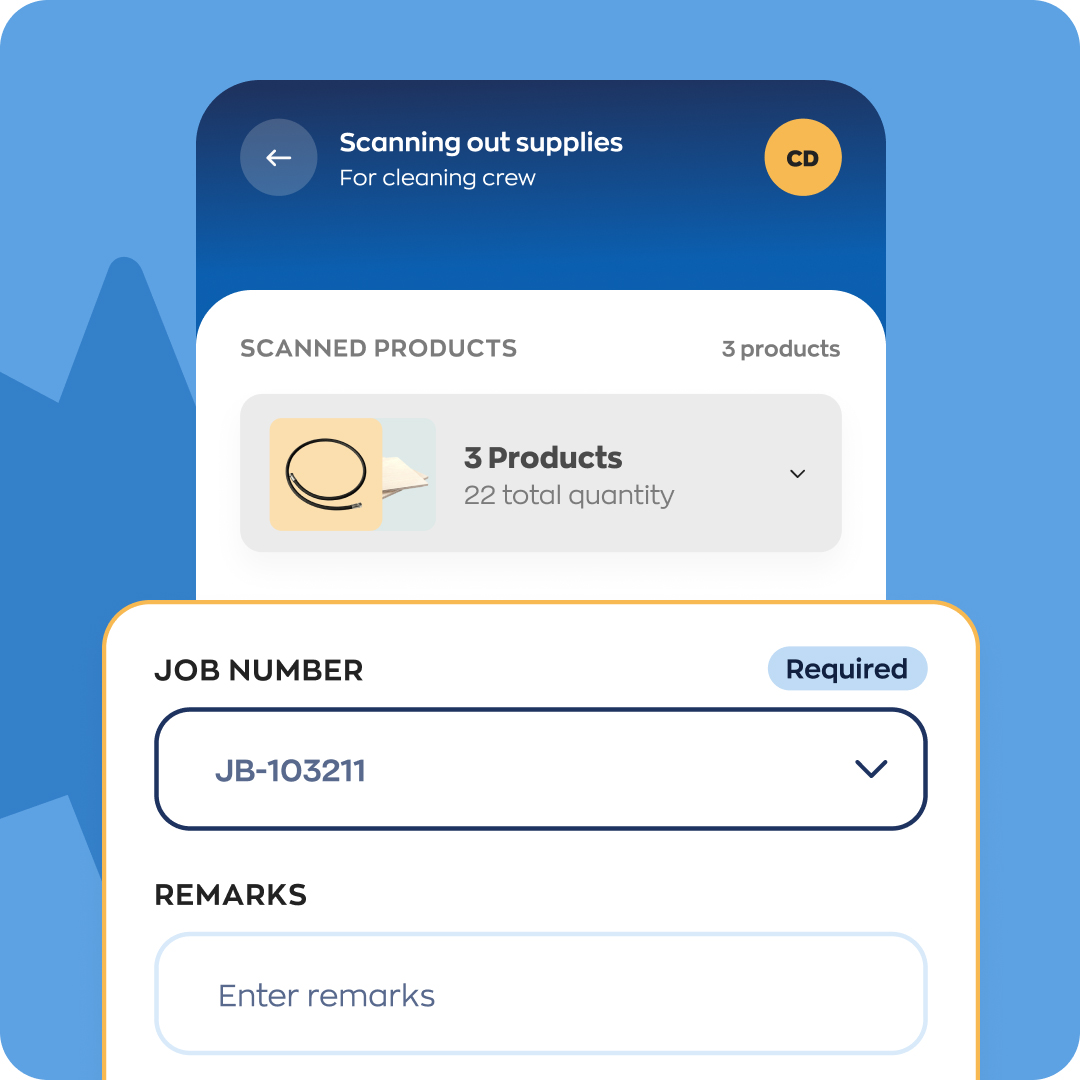
Create transfer workflows so you can move tools or supplies from your warehouse to a service vehicle.
Set up custom fields, like job numbers, if you want to include specific information with every scan.
REPORTS
Turn tough questions into easy answers
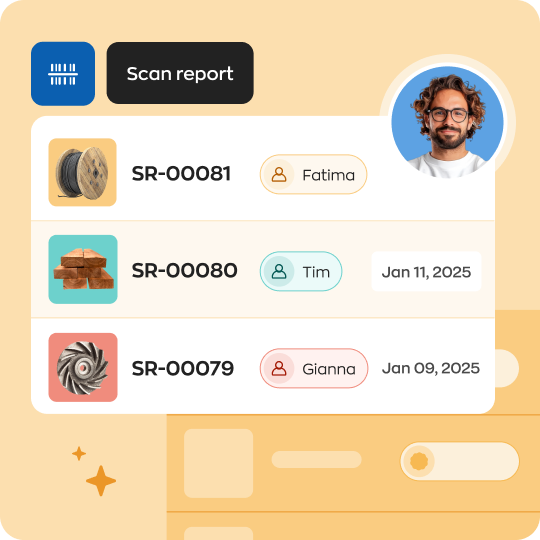
If stock levels aren’t lining up with what’s on the shelf you can use the web app to run detailed reports.
Dig into who scanned which products out. Or view a complete list of every single scan in the past month.
SECURITY
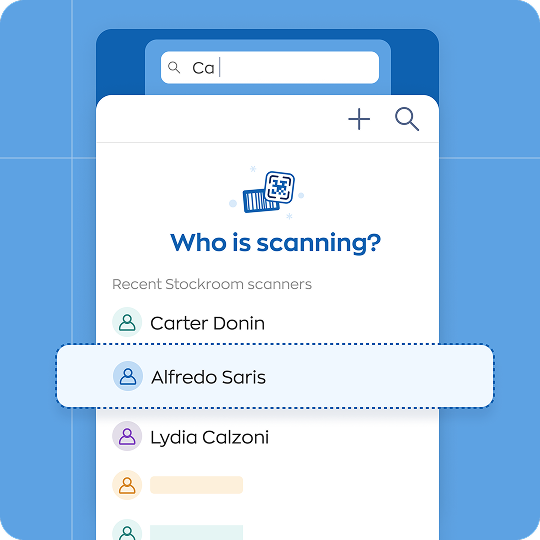
Always know who scanned what
Every scan is associated with a Stockroom user, so you’ll see who scanned something in or out.
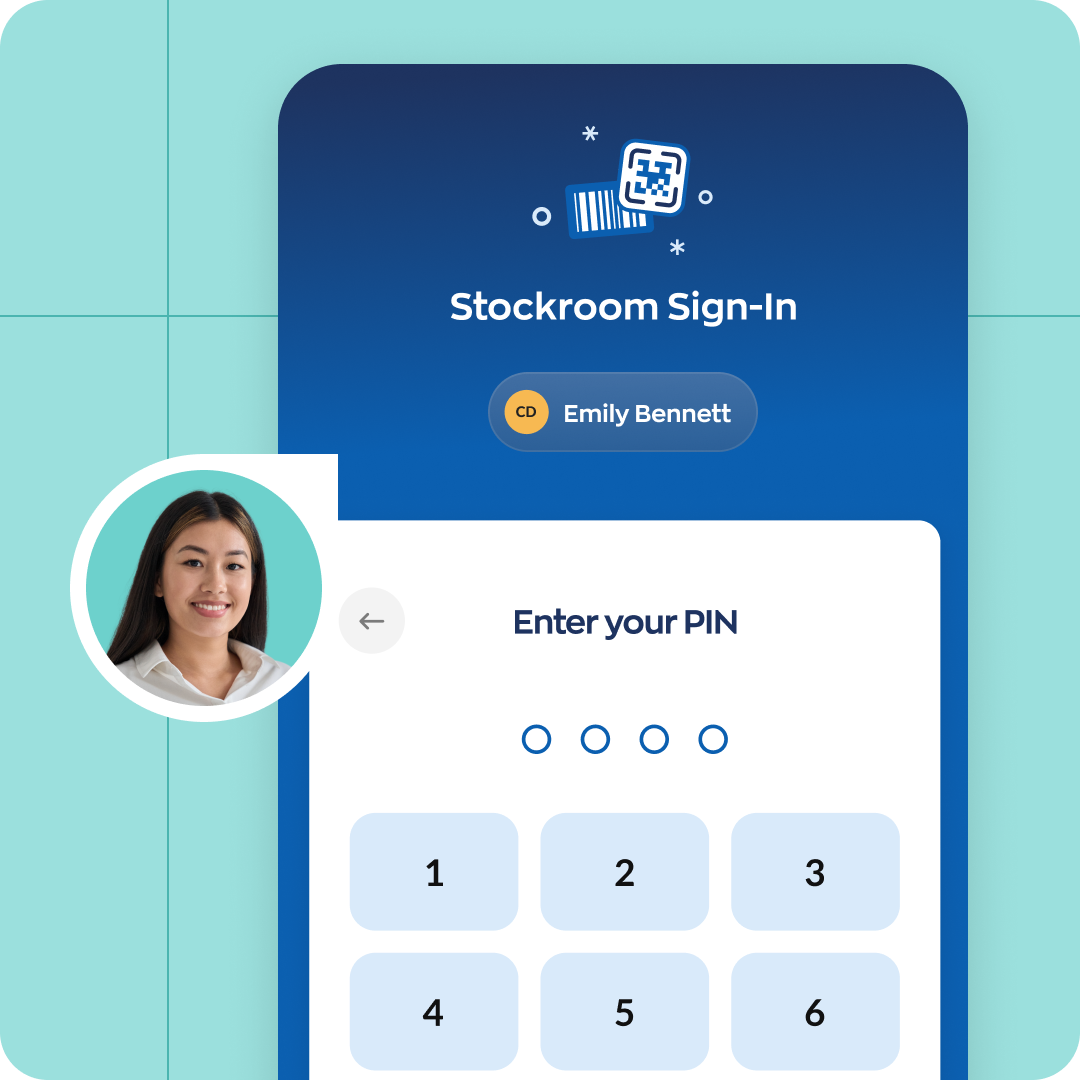
And you can set mandatory 4-digit PINs as a quick security step to help verify who really scanned a product.


Hardware
Scan twice as fast,
print labels anywhere
Take advantage of inFlow hardware to speed up everyday work like scanning or printing barcode labels.
A simple, affordable inventory scanner app
Stockroom pricing is straightforward and easy to understand.

Stress-free inventory is a click away
Scan stock out without slowing down.
No credit card required.
FAQ
Can Stockroom help me with reordering or sales?
Stockroom best for simple inventory tracking, like what’s being taken out of a supply closet at a clinic. If you need to manage other things, receiving shipments or fulfilling sales, then we’d recommend inFlow Inventory or inFlow Manufacturing.
They support full pick/pack/ship flows, connect your inventory to your ecommerce stores, and can even automate your accounting with QuickBooks Online or Xero. You can also use Stockroom as an add-on in inFlow Inventory or inFlow Manufacturing, if you’d like.
If you have any other questions, please reach out to our sales team. We’ll help you find the right fit—even if inFlow isn’t it.
Do I have to pay per scan or user?
inFlow Stockroom® includes unlimited Stockroom users who can use the mobile app to scan stock in or out. There’s no limit on scans.
Stockroom also includes two admin team members who can access the web app to manage inventory, settings, and reports. You can always buy more team member seats later.
Is inFlow GDPR and SOC 2 compliant?
Yes, inFlow is compliant with the latest GDPR legislation and audited annually to maintain SOC 2 compliance.
Your data is safely stored using 256-bit SSL encryption backed by Microsoft Azure.
What’s Stockroom support like?
Ongoing technical support is included with each Stockroom subscription.
If you need to contact support you can use our on-site chat or email support@inflowinventory.com.
What happens after the 14-day trial?
After your trial ends, you’ll need to subscribe to a plan to continue using inFlow.
But if you need a bit more time, just reach out to sales@inflowinventory.com.
How do I buy or subscribe right now?
If you already know Stockroom is right for you, that’s great! Simply sign up for a trial and wait for an email from us.
Once you’ve verified your email address and loaded the web app, you can pay for a plan by going to Main menu -> Options -> Account.
What if I want to cancel my subscription?
In order to cancel your inFlow subscription, you’ll need an admin team member to follow the steps outlined in our Learning Center article.
If you cancel within your first 30 days, you can email us at support@inflowinventory.com for a full refund.
What is the inFlow Smartphone Scanner?
Although inFlow Stockroom® runs on most smartphones, you’ll get work done faster with the Smartphone Scanner. It’s a splash-proof, 5-foot-drop tested Android device with a built-in laser scanner.
The Smartphone Scanner scans twice as fast as smartphones, has dedicated hardware buttons for scanning, and pairs with great accessories to improve ergonomics.