 Fellow Canadians: All inFlow plans are available in Canadian dollars





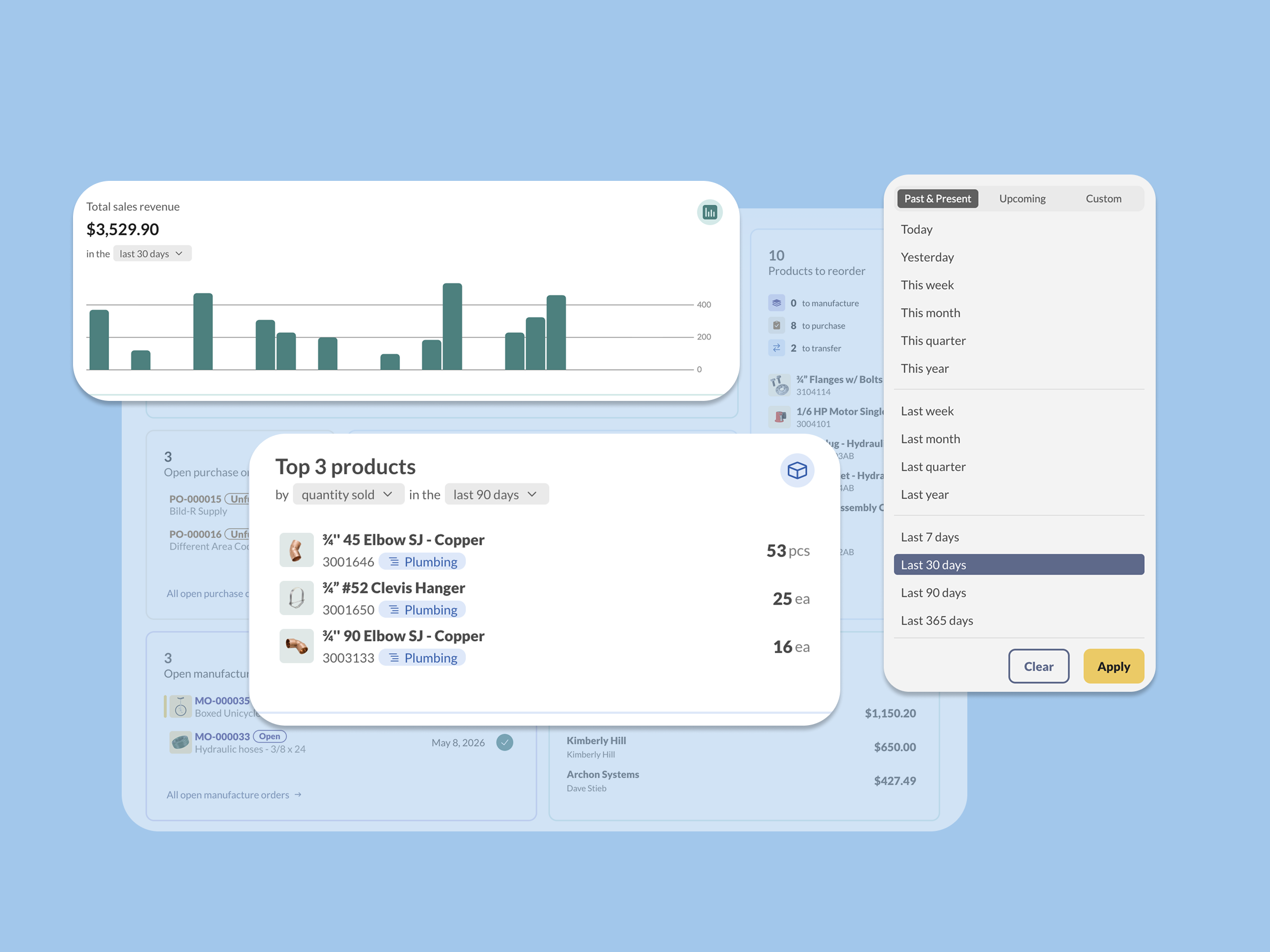
See exactly the information you need with inFlow’s Web Dashboard and Saved Reports. These new features help you customize inFlow so you can see relevant information faster.
Saved Reports
If you run the same report every week, you might find this familiar: open a specific report type, set the date range, pick your locations, choose your columns, and then run it to see what you need. Do that across a handful of reports and you’ve spent real time just setting things up before you’ve learned anything.
Saved reports cut out the repetition. Now you can set up a report exactly how you like it and save it to run again whenever you need it.
Here’s one of our product managers, Tavis, to tell you a bit about the feature:

Here’s what saved reports can do for you:
- Set up each report just once. Set your date range, locations, columns, and sorting once. inFlow will remember your settings, so all you’ll have to do next time is run the report.
- Save multiple customized reports. If you’d like to keep several versions of a frequently used report, you can set things up and save it as a new report. inFlow will keep a handy list of your saved reports.
- Create private reports or share them with your team. When you save a report you can choose to keep it private to your account, or share it with other team members in inFlow.
- Use relative date filters. Choose an option like “last 30 days” so your report always shows a relative timeframe, instead of a fixed date range that you have to adjust each time.
The result is less time setting up reports and more time acting on what they tell you.
The Web Dashboard
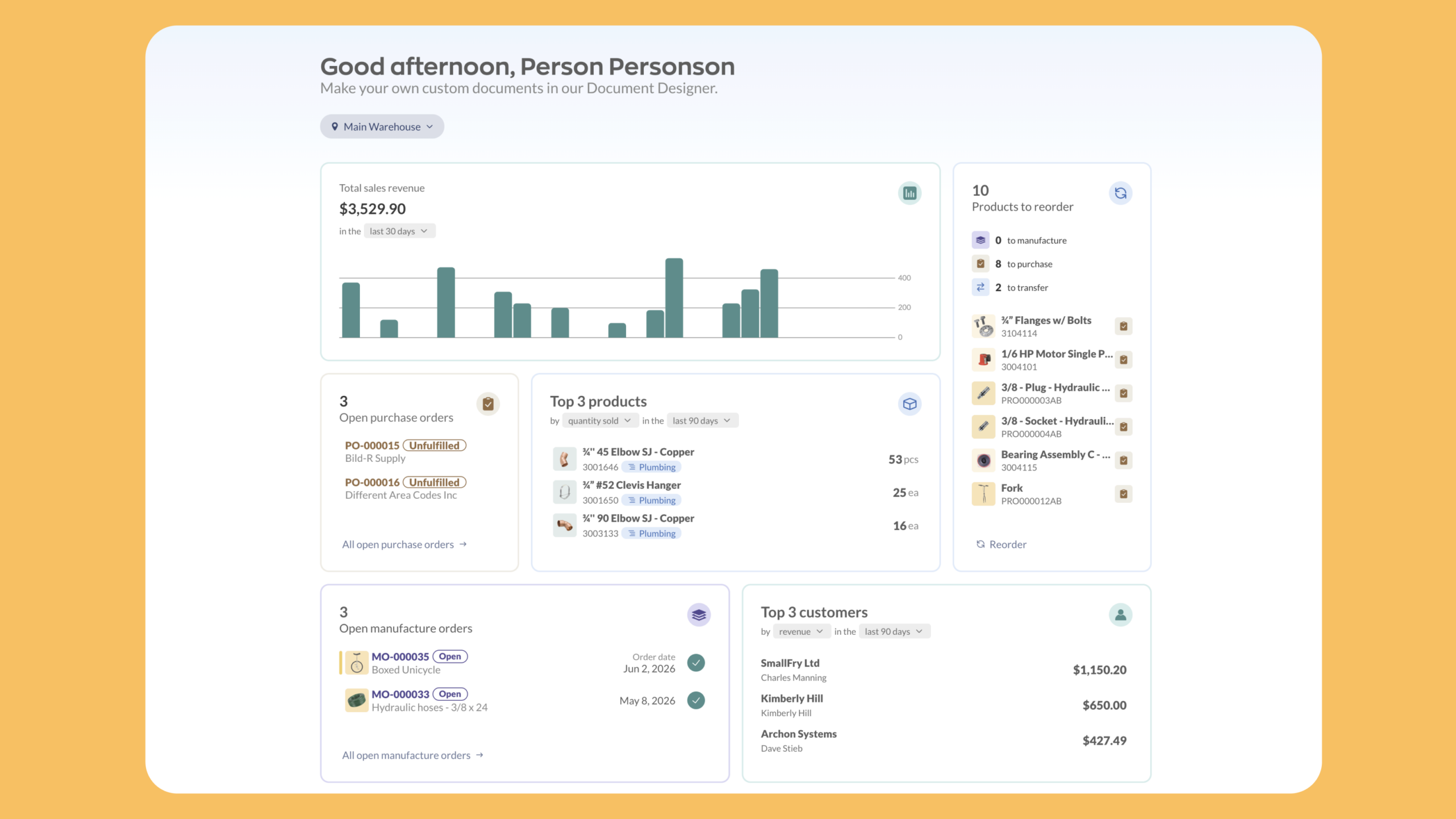
Reports are great when you know exactly what you’re looking for. But sometimes you just want a quick read on what to do next when you log in to inFlow. That’s what the Web Dashboard is for.
The dashboard is a customizable home screen made up of widgets. You choose which ones to show and arrange them in whatever order makes sense for your role. Here are the widgets available today:
- Open sales or purchase orders
- Total sales revenue
- Unpaid sales or purchase orders
- Top customers
- Top selling products
- Total inventory cost value
- Products to reorder
- Open manufacture orders
- Launch a saved report
If there’s a different widget you’d love to see on your inFlow homepage, let us know in the comments or at info@inflowinventory.com. All of your feedback helps to shape what we build next.
Both features are available to inFlow Inventory and inFlow Manufacturing customers in the web app.
Saved Reports lives in your Reports section, and you can start building your dashboard from the home screen.
And if you’re not using inFlow yet, you can start a free 14-day trial below:
0 Comments