




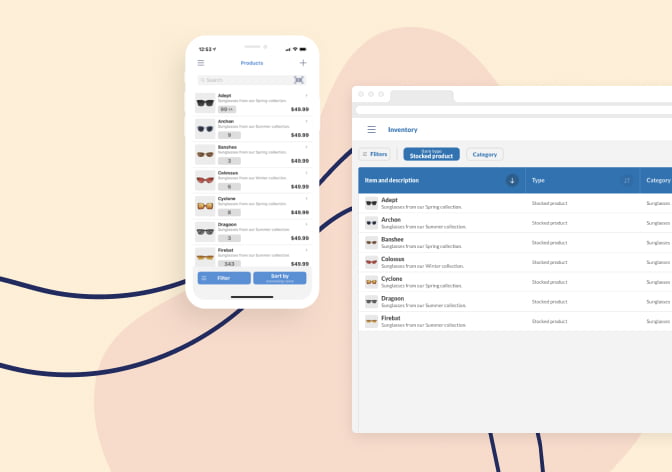
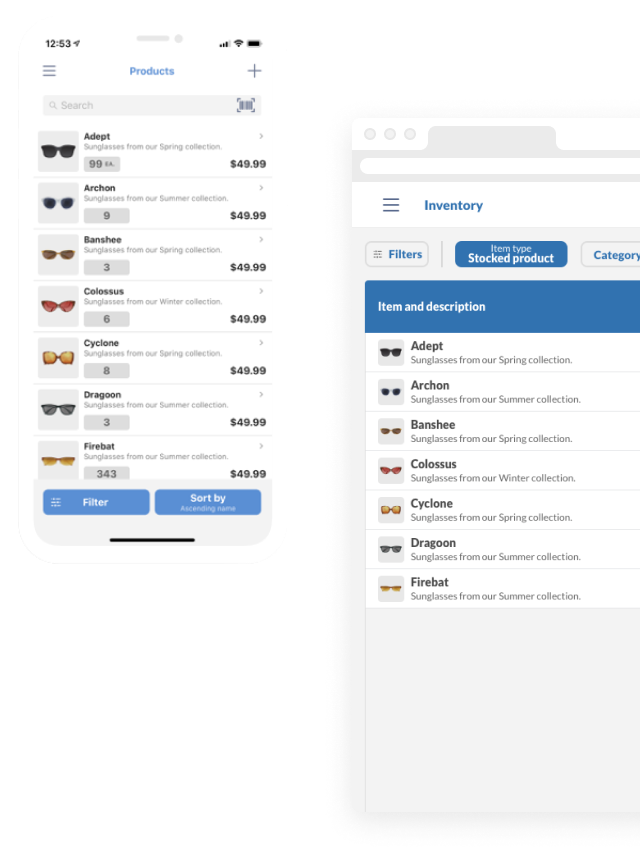

inFlow Inventory + ShipStation
Keep shipping info synced across your inventory software and shipping platform.
No more double entry for shipping. Pick an order in inFlow and it shows up in ShipStation. Buy and print labels in ShipStation and the tracking number and ship date sync back to inFlow.
ShipStation and inFlow: better together.
ShipStation and inFlow are built for different jobs, and that’s exactly why they work well together. ShipStation handles your shipping. inFlow handles your inventory.
Every picked order and every tracking number moves between them automatically, so your orders stay accurate without anyone doing the work twice.
Once an order is fully picked in inFlow it gets pushed as a pending shipment so your team can work on it in ShipStation.
When an order ships, inFlow pulls the carrier, tracking number, and ship date into the sales order. Your team doesn’t copy and paste between tabs.
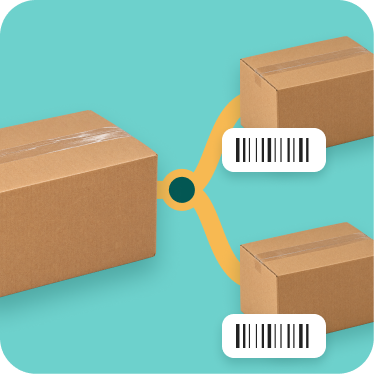
Ship several orders as one in ShipStation and every order in inFlow still gets updated individually. Split one order across boxes and each box is listed with its own tracking number.

Match your ShipStation location names to your inFlow locations, and orders go out from the right one.
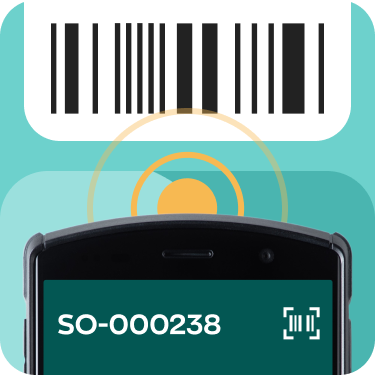
Use the inFlow Smartphone Scanner or any mobile device to receive stock, pick orders, and run cycle counts. What gets scanned gets recorded, in inFlow and in your books.
What does the inFlow + ShipStation integration do?
Everything the integration handles, at a glance
 What happens in inFlow
 What happens in ShipStation
The details
How inFlow and ShipStation divide the work and stay in sync.
Pick an order  it shows up in ShipStation
Turn shipping on for a sales order, pick it, and inFlow sends it to ShipStation on its own as a pending shipment. No exporting or copying and pasting between tabs.
Your team still chooses the carrier and shipping method in ShipStation, so you keep the flexibility you already have.
Ship in ShipStation tracking lands in inFlow
Buy the label in ShipStation, or mark the order as shipped. inFlow picks it up on its own and fills in the sales order with the carrier, tracking number, ship date, and what went in each box. Nobody copies a tracking number across.
See what shipping costs you
inFlow can record what each order cost to ship. Keep shipping costs separate from the order total if you pay for shipping, or add it to the total if your customer pays for shipping.
FAQs
How do I connect inFlow to ShipStation?
Create a ShipStation V2 API key, then open inFlow’s integration settings, select the ShipStation tile, and enter the key. Only administrators can connect the integration.
What data syncs between inFlow and ShipStation?
inFlow sends the order, its line items, and the ship-from location. ShipStation sends back the carrier, tracking number, ship date, and what was packed in each box. Shipping costs can be recorded on the order too.
Which carriers work with the inFlow and ShipStation integration?
inFlow works with any carrier you can use in ShipStation, including UPS, FedEx, USPS, Canada Post, and DHL. You choose the carrier and buy the label in ShipStation.
What happens to orders I've already fulfilled in inFlow when I use ShipStation?
If you fulfill an order another way after picking it, inFlow doesn’t send it to ShipStation. inFlow also sends each order only once, so later edits won’t appear in ShipStation.
Can I combine orders or use multiple boxes with inFlow and ShipStation?
Yes to both. When you combine orders in ShipStation, inFlow updates each order with only its own products and its share of the tracking information. Orders that ship in multiple boxes list each box with its own tracking number.
How is inFlow's ShipStation integration different from its EasyPost integration?
Both let you buy labels for your orders. With ShipStation, you buy labels in ShipStation and inFlow pulls the details back. With EasyPost, you buy labels inside inFlow.
Is the ShipStation integration available on all inFlow plans?
Yes. The ShipStation integration is available on every inFlow plan that supports integrations.
Does inFlow connect to apps other than ShipStation?
Yes. inFlow offers 95+ integrations across accounting, ecommerce, and shipping, including QuickBooks Online, Xero, Shopify, and WooCommerce.