 Fellow Canadians: All inFlow plans are available in Canadian dollars




How a five-person workwear supplier cut manual order entry by 98%
Summary
Direct Workwear is a five-person workwear and uniform supplier in West Yorkshire, United Kingdom, that embroiders and prints garments in house, carrying over 20,000 active products. For years, the business ran on a desktop Sage system that would not let them change a product code once it had been entered. Any code typed wrong at setup stayed wrong, that garment could never sync with the company’s website, and staff keyed in 5 to 10 web orders a day by hand.
In 2024, Direct Workwear replaced Sage with inFlow Inventory. Director Rosaline Sykes rebuilt the catalog to match the website exactly. Manual order entry fell from 5-10 a day to only 1-2 per month and purchase orders that the team used to build by hand are now easily generated, saving 20+ hours per month.
Locked product codes in Sage
Direct Workwear sells branded workwear and uniforms from West Yorkshire. Polo shirts, hi-vis, school uniforms and club kit, all embroidered and printed in house and shipped across the United Kingdom. A team of five manages the entire operation, handling 20,000+ products from production to purchase. For years they ran their business on Sage, but system limitations and processing lag created challenges for the team.
“We had been unhappy with Sage for quite a few years before switching,” shared Rosaline Sykes, Director at Direct Workwear. “The main issue we kept running into with Sage was that it didn’t allow us to change a product code, so if it was set up wrong at the start, we were stuck with that item being unable to sync with our website.”
In other words, a typo made during setup became permanent. That garment couldn’t sync with the website, so every order containing it had to be typed in by hand.
“Sage ran on desktop, rather than in the cloud, which created other challenges,” Sykes added. “The system ran very slowly when it was managing a lot of product codes and often picked up data errors with multiple users. It needed to be backed up regularly and took quite a lot of time to manage.”
“Ultimately, we didn’t trust that the stock count in Sage was correct,” said Sykes.

Finding inventory software that handles custom work
“Before choosing inFlow, I tried several free trials of different inventory softwares and accounting softwares,” Sykes shared. “inFlow was the best fit, not only because it has the manufacturing capabilities that worked best for us, but also because our accountant had already recommended switching to QuickBooks Online and inFlow has an integration.”
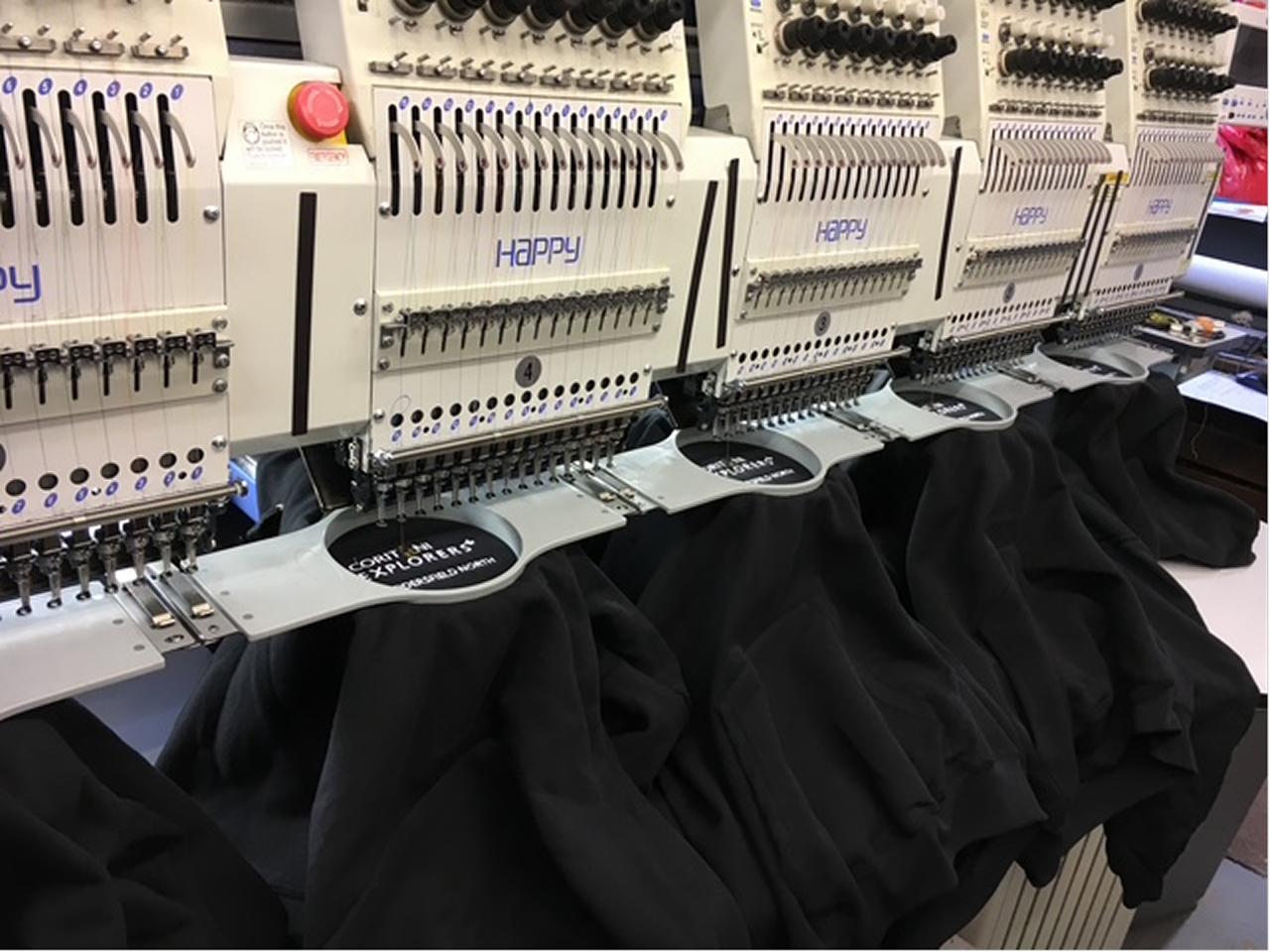
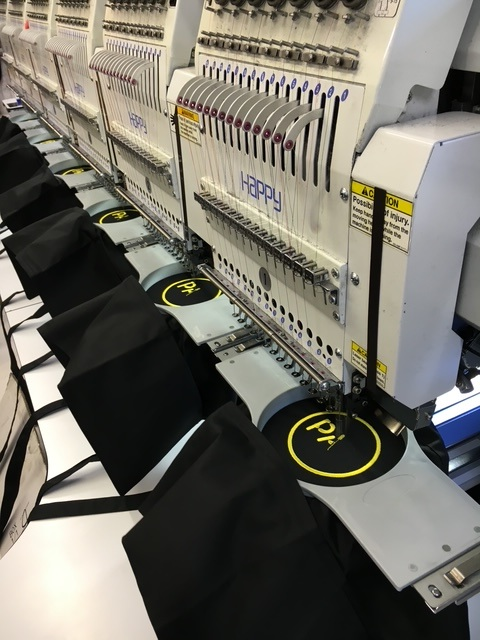
After all, Direct Workwear doesn’t just resell garments. It applies embroidery, screen printing and heat seal printing to stocked catalog items, so it needed a system that could account for the work done to a product, not only the product sitting on a shelf. inFlow Manufacturing covered that.
In practice that means a blank polo shirt, a thread color and a logo are three separate things in stock until a manufacture order turns them into one finished product. inFlow Manufacturing holds the bill of materials for that build, deducts the components as they are consumed, and costs the finished item accordingly, so the stock figures stay accurate on both sides of the work.
A 98% drop in manual order entry
With product codes matched correctly to the website, orders arrive in inFlow on their own.
“Before we had to manually input 5-10 orders per day,” Sykes shared. “With inFlow, it’s down to only 1-2 orders per month.”
That’s a 98% reduction in manual order entry.
“Although there are still odd products which go wrong, on the whole the stock keeping is very accurate,” she continued. “We don’t have to worry about those small cumulative errors causing inaccurate counts.”
Orders that carry through to QuickBooks Online
QuickBooks Online is the final link in the chain. A sales order marked invoiced in inFlow becomes an invoice in QuickBooks Online. A purchase order becomes a bill as stock is received. Inventory value and cost of goods sold (COGS) update as orders move, and payments can sync in both directions, so the books reflect what the warehouse actually did without anyone entering it twice.
“The syncing between our website and inFlow, and then finally into QuickBooks Online, has made such a difference to our day-to-day workflows,” Sykes said. “All in, we’re saving 1-2 hours every single day.”
Across a five-day working month, that adds up to more than 20 hours saved and reinvested back into the business.
POs built from reorder points
“The time savings also come from the ease with which we can now generate a purchase by using inFlow’s reorder points,” Sykes shared.
“With Sage, we had to manually create purchase orders, which often led to errors,” she explained. “inFlow’s reorder point feature has reduced these errors.”
Each product in inFlow carries a reorder point per location. When stock drops below it, the product appears on the Reorder Stock screen, and the Direct Workwear team can generate the purchase orders from there with only a few clicks.
Support that answers within hours
“We started seeing a difference within a few months of using inFlow,” Sykes said. “During setup, we had calls with our dedicated CSM at inFlow and they helped to make sure everything was working correctly.”
Having come from a system where support meant a phone queue, Sykes felt the difference acutely.
“I had an enquiry from a customer who was interested in giving different departments the ability to order directly,” she explained. “I reached out to see if it was possible to trial inFlow’s Showroom feature to see if that would work for this customer. I emailed our CSM and had a reply within a few hours, with a trial all set up for us.”
“The platform is fairly intuitive, so it doesn’t take much time to get used to,” continued Sykes. “When we do have questions, inFlow support has been very quick and informative. On the whole, we’re very happy.”

Manually entering web orders that should sync on their own?
See how inFlow Manufacturing keeps your catalog, purchasing and accounting talking to each other.