by Yun Ling | Oct 9, 2019
The main Sales Order list in inFlow shows all order details, but if you’re looking for a quick, clean way to see all the items that need to be picked (and picked them!), use the Pick Sales Order action item. Tap the Main Menu > Pick Sales Order to see a list...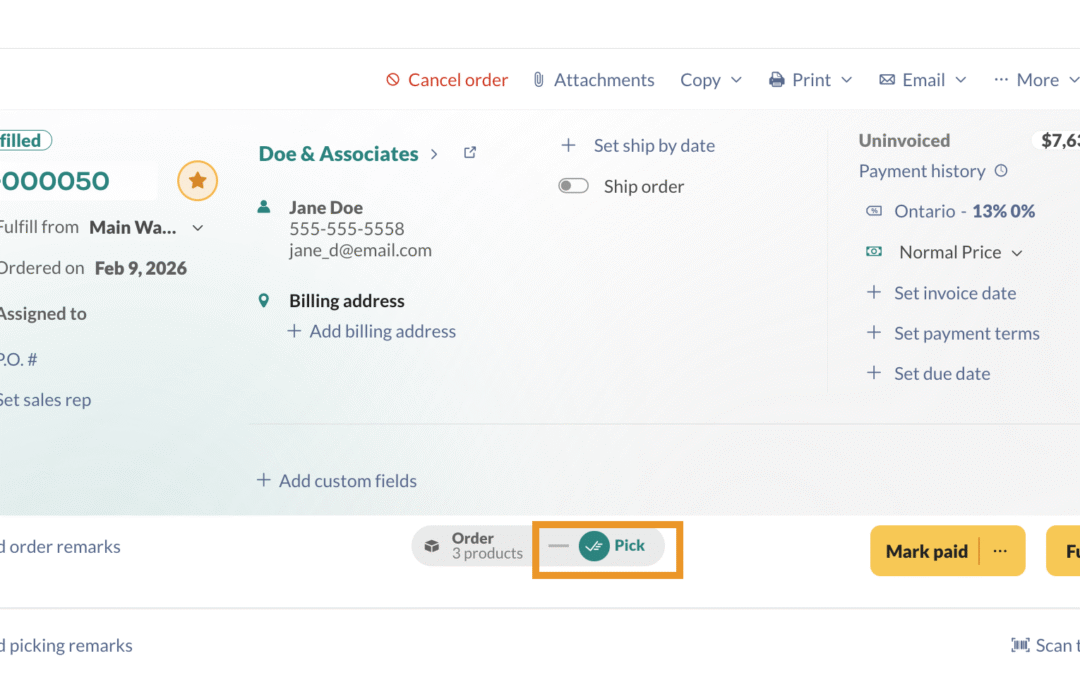
by Kerisha Fiorillo | May 15, 2019
inFlow helps you effortlessly pick, pack, and ship your sales orders. Discover how it can streamline your order management process below! Web Sales order pick tab Open a sales order in inFlow (Main Menu>Sales>Sales orders). Once open, select the Pick tab To... by inFlow Inventory | May 8, 2019
When you add your company information to inFlow, it will be automatically populated in documents like invoices, receipts, and purchase orders. In this guide, we will show how to add formatting to your printed documents. Please note: this feature is only available on... by inFlow Inventory | May 8, 2019
inFlow has revolutionized the printing process, making it fast and effortless. See below for details! Web How to print order documents Open a sales order. (Homepage > Sales order list > Select an order). Click Print and choose the document you’d like to... by inFlow Inventory | May 8, 2019
Customers may occasionally need to return products. You can easily process these returns and either issue a refund or provide credit for future purchases. Web Returning & issuing credits on existing orders In the product table, hover over the product and select...



