




A great inventory management system can be a game-changer for your business. But the best system isn’t the one with the most features, it’s the one with just the right features to fit your needs.
That’s why we built inFlow Stockroom—a standalone inventory tracking app focused on barcode scanning and real-time stock visibility.
Whether you’re tracking stock in a single tool crib or across multiple warehouses, the goal is the same: know what’s on the shelf, know who took it out, and know when you need to restock. Stockroom makes it easy for your team to scan items in and out, keep inventory accurate, and avoid stockouts — no heavy setup or extensive training required.
Key takeaways
- inFlow Stockroom is built for simple inventory tracking, giving teams an easy way to scan stock, monitor quantities, and manage supplies without a complex setup.
- Barcode scanning is central to the workflow: use a smartphone or dedicated scanner to scan inventory in and out.
- Real-time stock updates at each inventory location help you avoid stockouts and know exactly what’s on hand.
- Label printing and barcode generation make it fast to create scannable tags for products and bins.
- Flexible reporting and physical counting improve your inventory accuracy and help you track usage, history, and trends.
Scan inventory in and out with barcodes
At its core, inFlow Stockroom is built for speed.
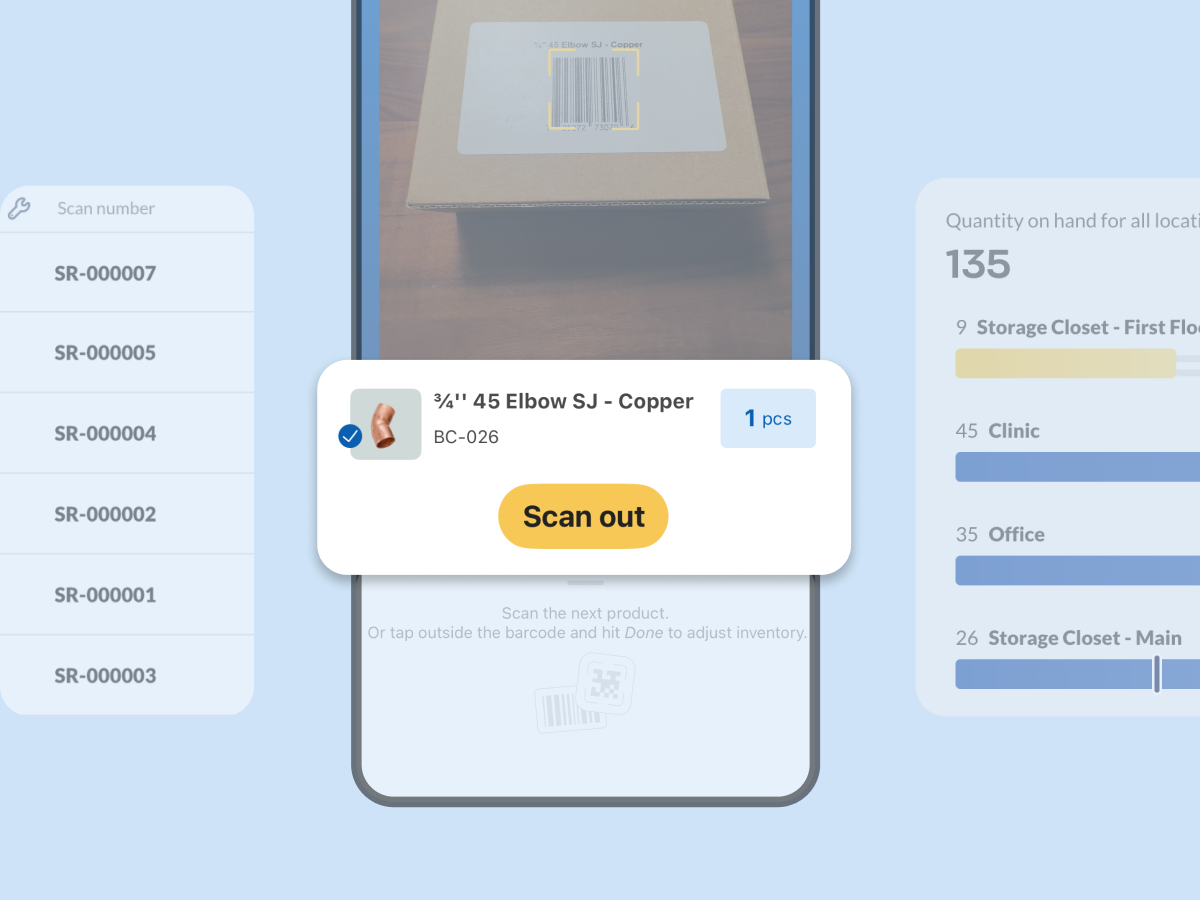
Using a shared device or their own smartphone, your team can scan items out when they need them and scan items back in if they return extras. Everything is barcode-based, so inventory updates are accurate and consistent without relying on manual entry — helping your team quickly grab what they need and get back to work.
This simple scan-in, scan-out process makes Stockroom ideal for:
- Shared supplies
- Maintenance and facilities teams
- Hospitality
- Healthcare
- Office stockrooms
- Warehouse or storage areas
Use a barcode scanner — or just pull out your phone
No barcode scanner? No problem!
With Stockroom, your team can use:
- Personal iPhones or Android devices
- A shared device for common areas
- A dedicated USB or smart scanner (like the inFlow Smart Scanner)
The Stockroom app is free to download on Google Play and the App Store, and a quick QR code scan in the web app instantly syncs your chosen device with your Stockroom account. This flexibility helps make Stockroom suitable for everything from small supply rooms to larger storage environments.
Real-time inventory tracking across locations
Every scan updates your inventory in real time.
From the Stockroom web app, you can:
- View all stocked products and SKUs
- See total quantities across locations
- Check current stock levels by location
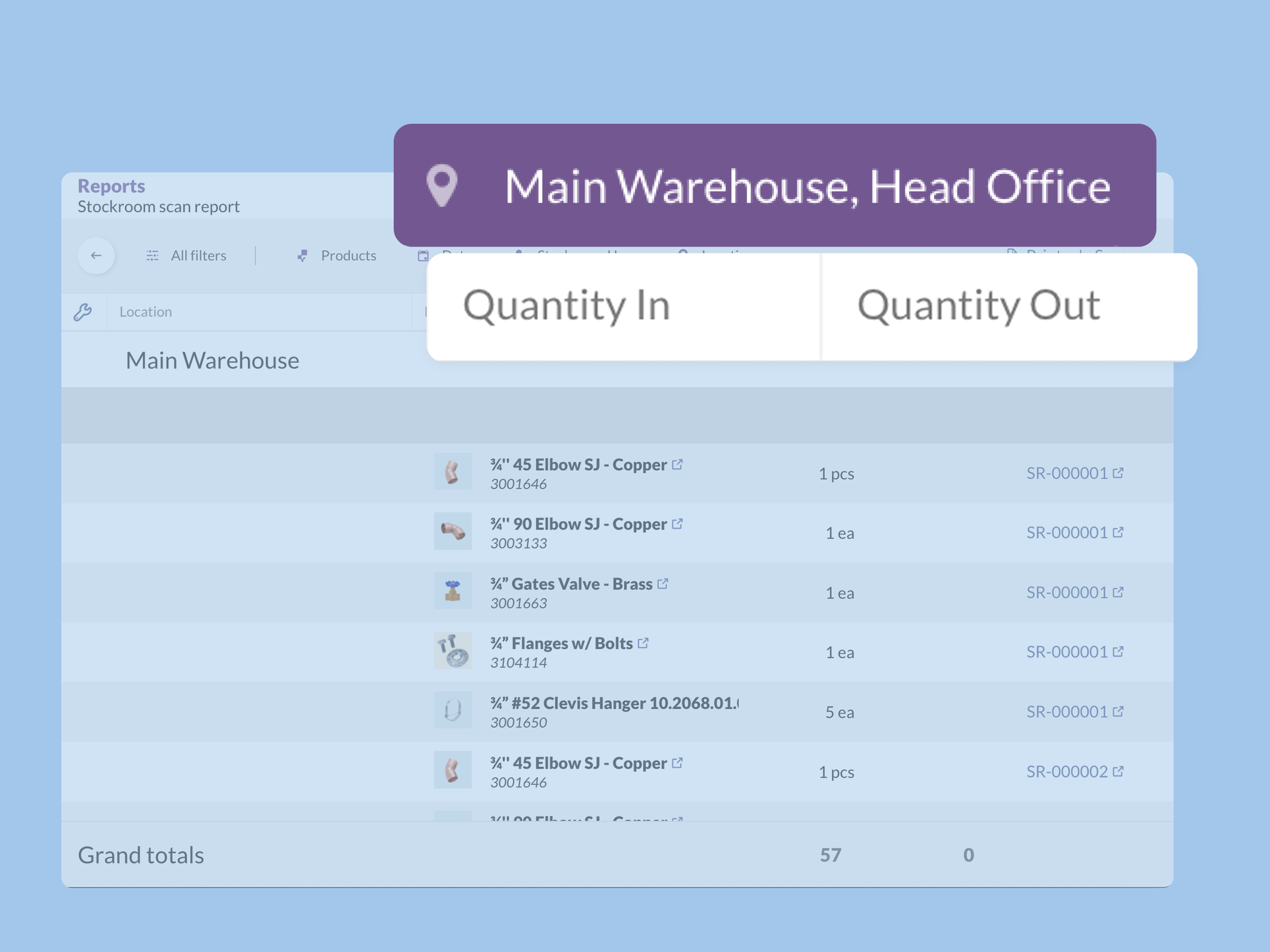
- See who scanned an item, when it was taken, and where it was taken from
Setting up products is simple. You can upload a CSV file or add items individually, recording basic details such as product name, description, and SKU. Custom fields let you track additional information if needed.
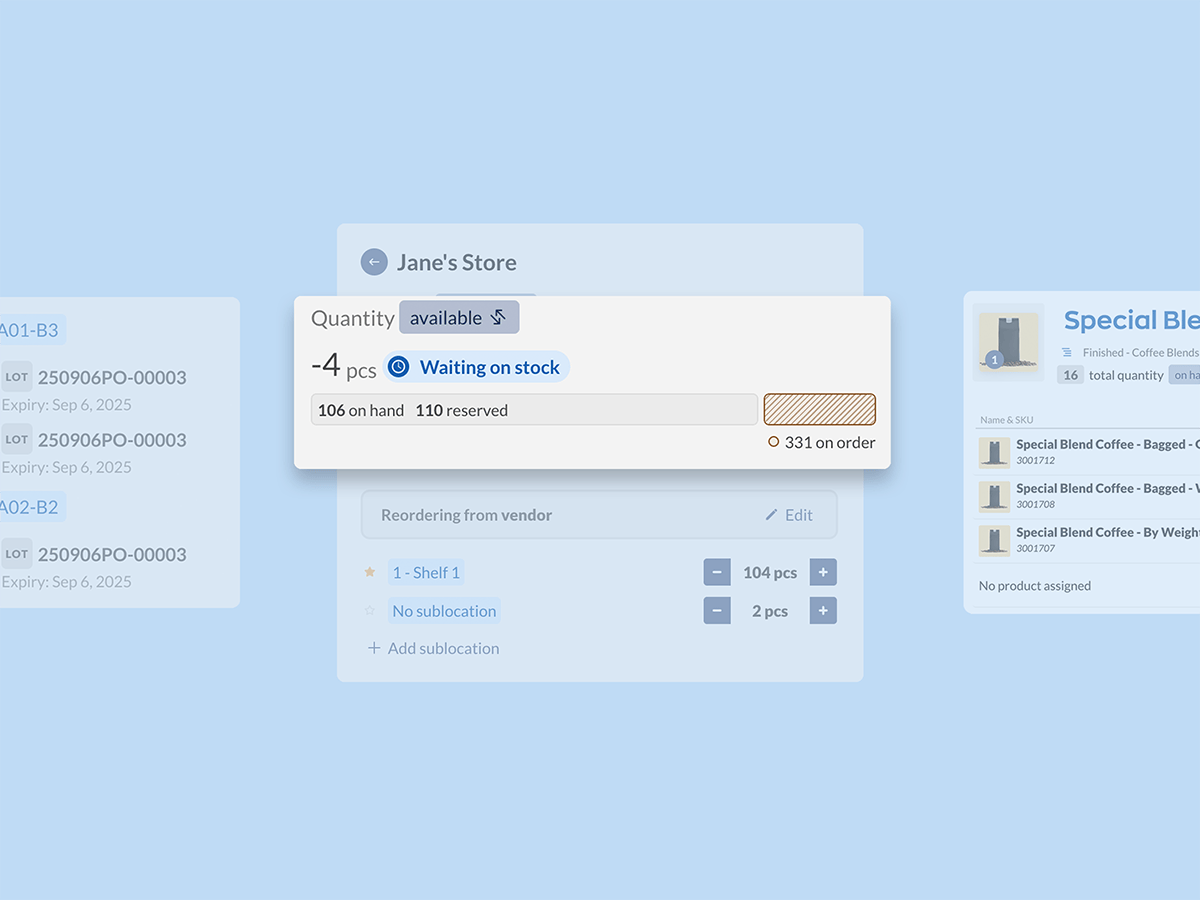
To help prevent stockouts, Stockroom also supports low-stock alerts. Reorder points are set per product and per location, so you’ll get notified at the right time, even if usage varies between sites. If you’re out of stock at one location but still have plenty in another, you can transfer stock between locations, instead of buying more.
Barcode scanning and label printing
The stockroom is designed for barcode-based inventory tracking.
You can:
- Scan in existing product barcodes
- Generate barcodes for internal use
- Create and print barcode labels directly from inFlow
Choose from pre-built label templates or design your own using the inFlow Label Designer. Stockroom automatically fills label fields with data from your product records, making it easy for you to print consistent, scannable labels. You can print labels using an inFlow Portable Label Printer or any label printer you prefer.
Inventory counts and reporting
To help ensure what’s in your system matches what you actually have on the shelf, Stockroom supports physical counts. Stock counts outline which products should be counted at which location, let you assign team members to specific counts, and color-code any discrepancies so they’re easy to spot.
Stock counts, among other downloadable reports, are included with every Stockroom plan. From team member tracking to inventory aging, Stockrom can pull the data you need and download it as a CSV or PDF, making it easy to review or share with your team.
Simple pricing for simple inventory tracking
All inFlow Stockroom plans include:
- Unlimited mobile users and devices
- Barcode scanning and label generation
- Access to all core Stockroom features
You can choose from a monthly or annual subscription, and billing is available in multiple currencies. You can get more details on plans and pricing here >
If all you need is a simple, barcode-based inventory tracking system to manage supplies and shared stock, inFlow Stockroom makes it easy to get started. Check out the Stockroom Product Demo Video to see how it works in practice. Or, jump right in with a free 14-day trial and discover if Stockroom is the right tool for your team.

0 Comments