




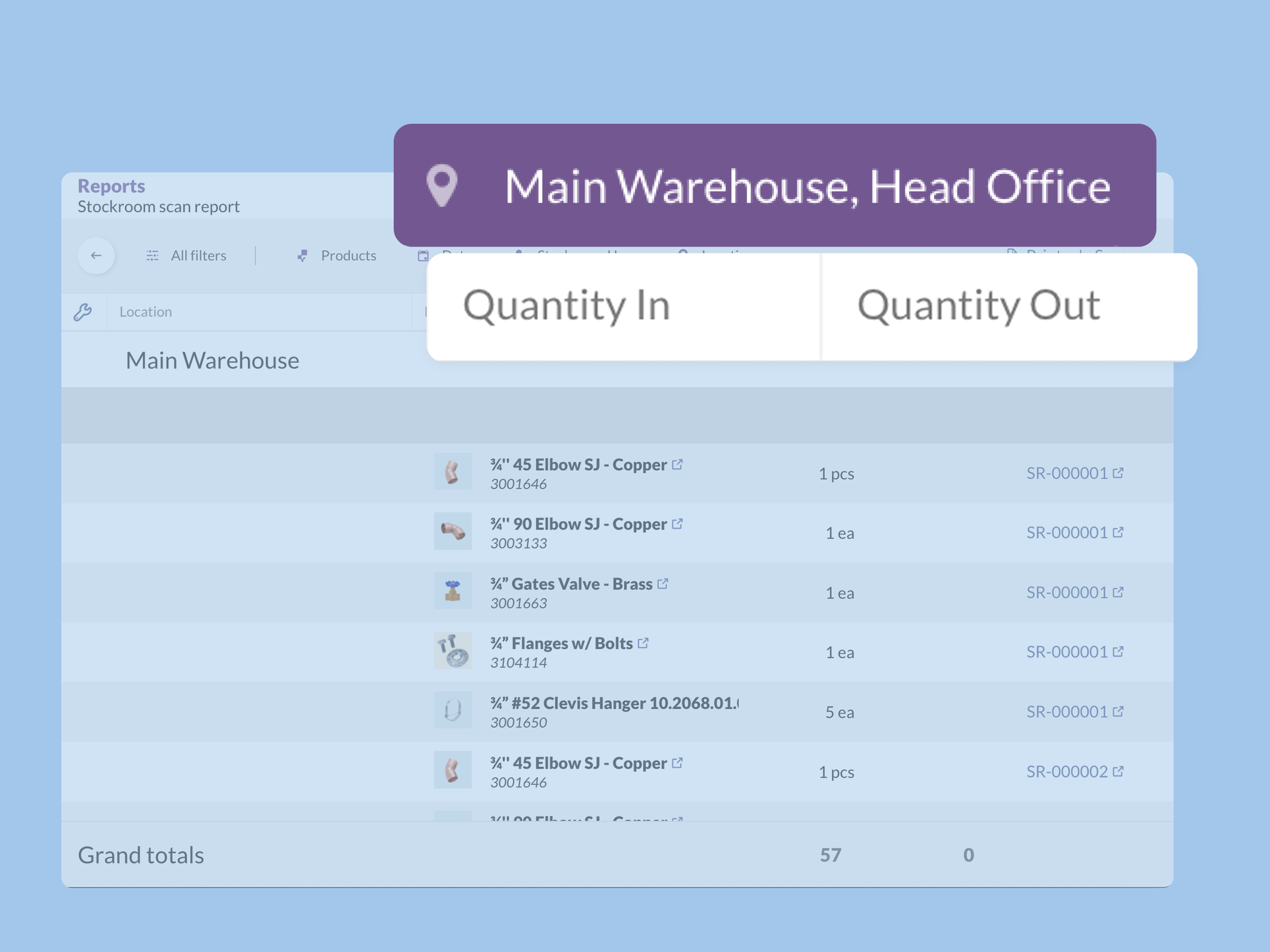
This is a preview of a big update that touches all inFlow products — Inventory, Stockroom, and Manufacturing. It should go live for most inFlow customers on March 3, 2026.
These changes focus on giving you more control over your data, making product management faster, and making it easier to find what you’re looking for.
Features for inFlow Inventory and Manufacturing
1. Reporting Flexibility
A new multi-location picker for reports:
You can now choose to include multiple locations when running the following reports:
- Stockroom Scan
- Inventory Movement Details/Summary
- Inventory Details
- Stock Adjustments
- Historical Inventory Details
- Inventory by location
Filter reports by product type:
You can now filter reports by product type, including serialized, lot-tracked, and active/inactive products. This filter is available in all 30 inFlow reports that include product filters.
Inventory cost adjustment clarity:
You’ll find a new report under our “Audit log” section called “Total inventory cost log”. It shows how your total inventory value changes over time, helping you reconcile with systems like QuickBooks Online and Xero.
2. Quality-of-life updates
Quickly create sales orders:
You can create sales orders directly from the product details page with the new Sell button in the action bar.
Change product type:
Have you ever accidentally chosen the wrong product type? Now you can select Change product type, and inFlow will:
- Create a copy of that product with a product type of your choosing
- Deactivate the old product for you
- And “zero out” (remove) any stock of the old product
Streamlined product deactivation:
When you deactivate a product, you’ll see a new suggestion to zero out its stock before deactivating. This will make your reporting much cleaner.
3. Smarter search for product names
inFlow’s web app has a more thorough product search — especially if you have longer product names that use symbols instead of spaces. So if your product names contain strings like 10.2068.01.0098, even a partial search term like 10.20 will show you results.
A few more details on this:
- There’s improved partial matching with special characters (! , “, #, %).
- Search is accent insensitive, so words with accents are searchable by the letter (é –> e, ñ –> n, ç –> c, ö –>o).
- This improved search is also added to product list filters for product name and description.
4. More costing features
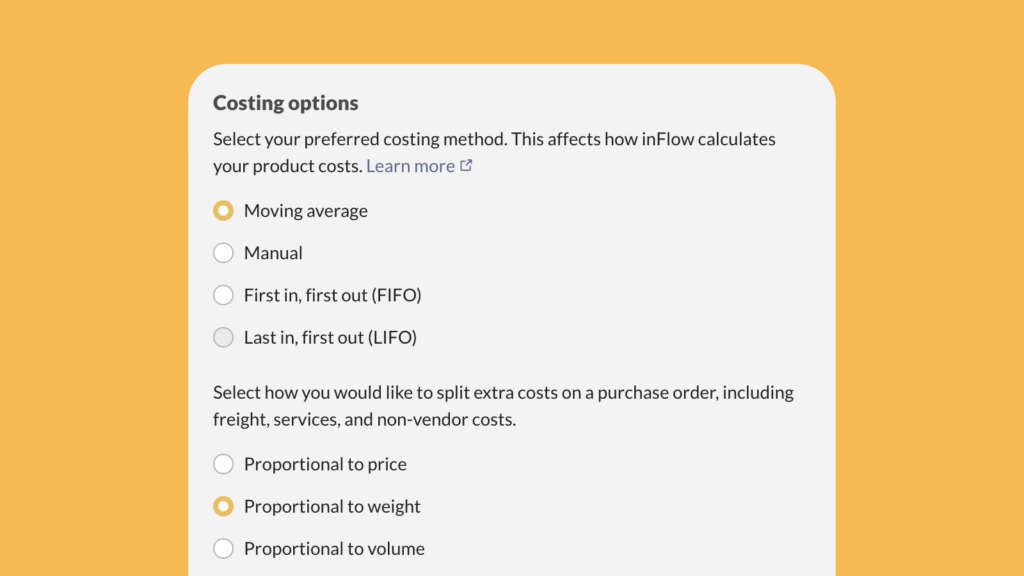
Proportional costing:
We’ve added new options to split extra costs on POs by price, weight, or volume. You can find these under your Costing options.
Estimated profit margin:
You can also view an estimated profit margin on a sales order. Find it in the cost details breakdown, below the order balance.
Miscellaneous:
- You can now mass-transfer all stock from a sublocation.
- We’ve added support for numeric custom fields to track, sort, and filter numeric values (e.g., ABV%, Rated wattage).
- You can import & export all vendor product details (vendor product code, lead time, vendor price) for a given vendor.
New features for Stockroom
We’ve made several updates to the Stockroom app to save you time and improve visibility:
Reorder settings export/import:
Stockroom standalone now supports exporting and importing of reorder settings, reducing the time spent on updating reorder points per product.
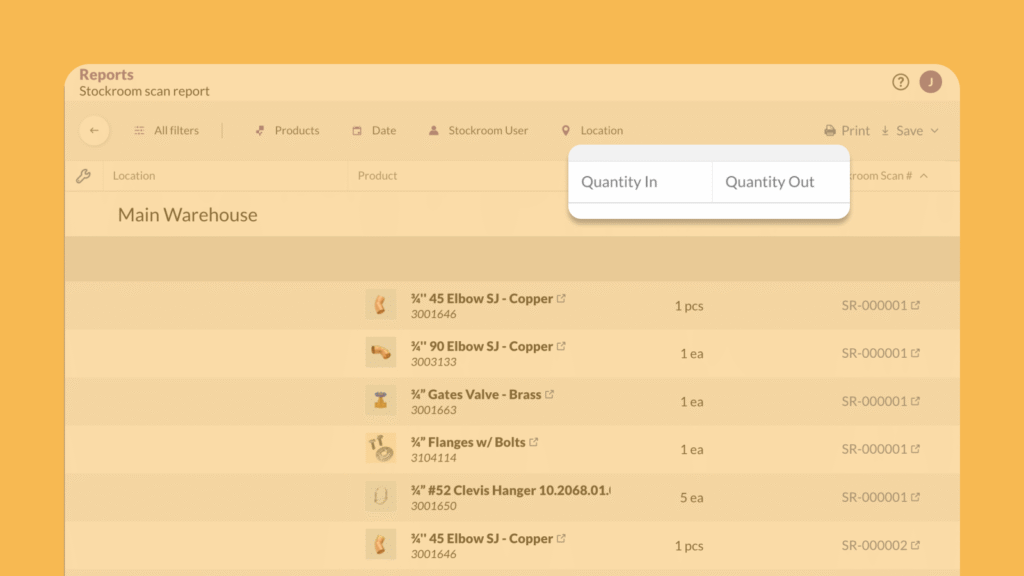
Enhanced scan report:
The Stockroom Scan report now shows quantity in two separate “Quantity in” and “Quantity out” columns, making it easier to read and filter.
Improved low stock alerts:
We addressed the 25-product limit in Stockroom’s low stock alert emails. You can now see a full list of low stock products in-app via the new Stock Reordering report.
That about wraps up this update! We hope there are some new features that save your business time each week.
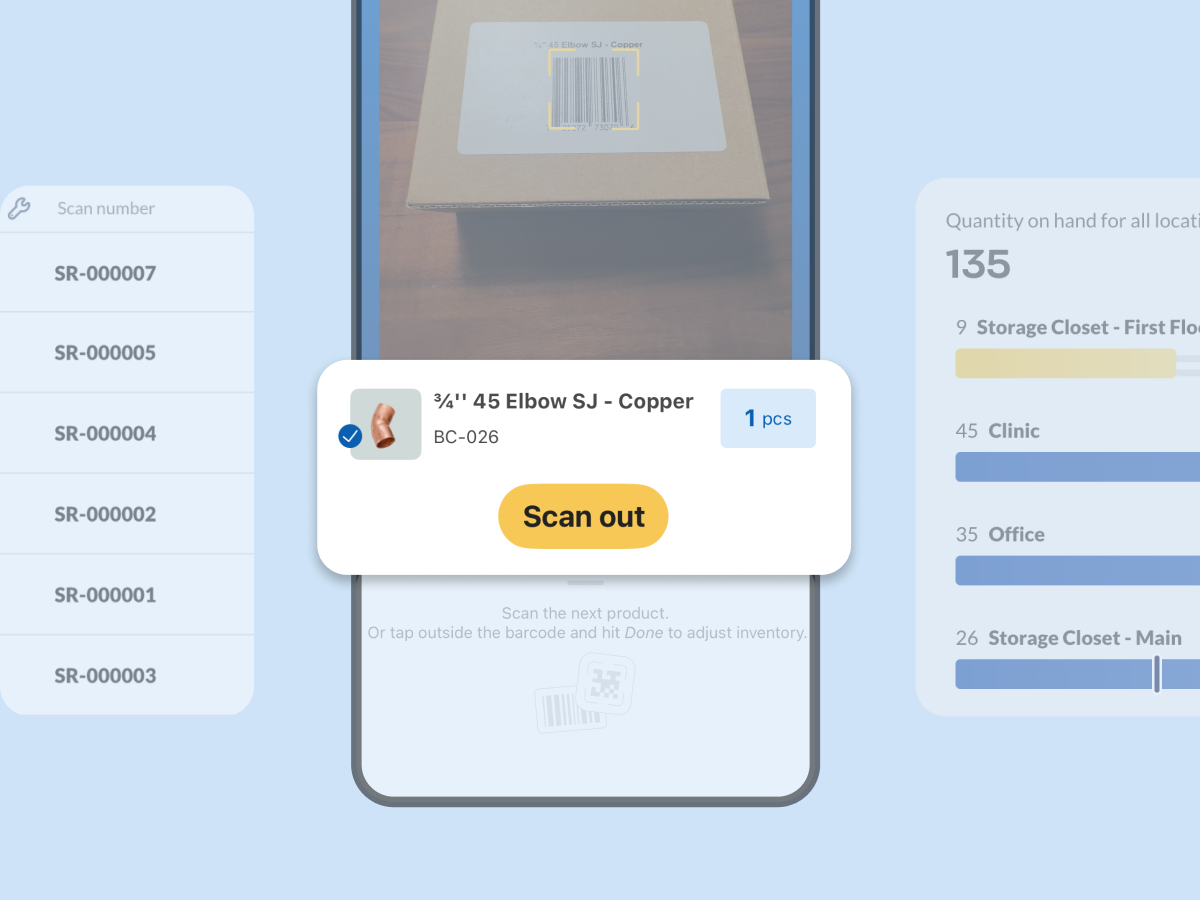
And if you’re not using inFlow yet, you can start a free 14-day trial below:

0 Comments